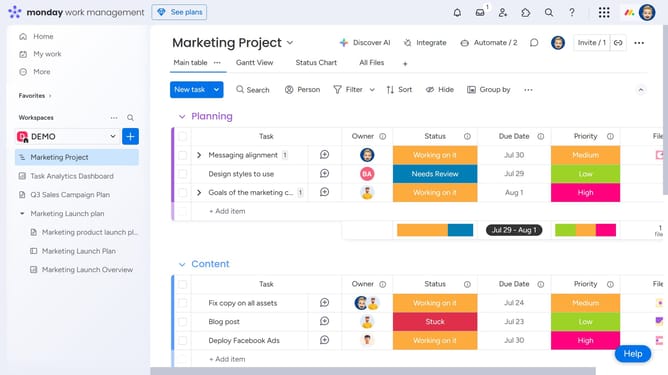
How to change the item height on a board in Monday.com
Here is how to change the item height on a board in monday.com
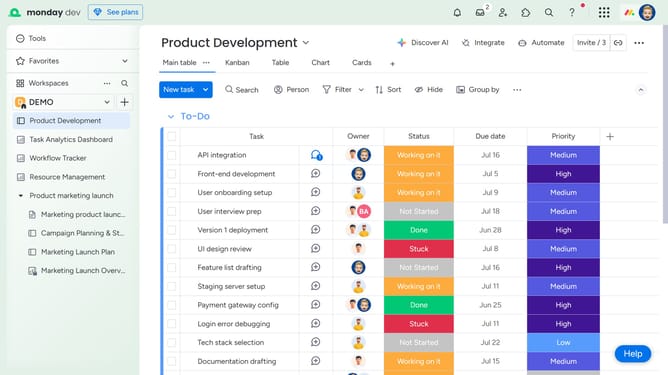
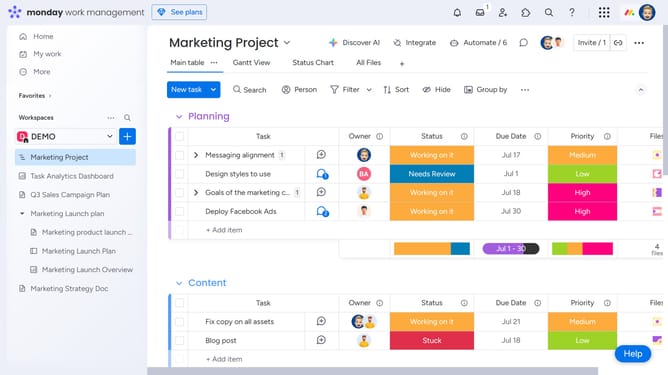
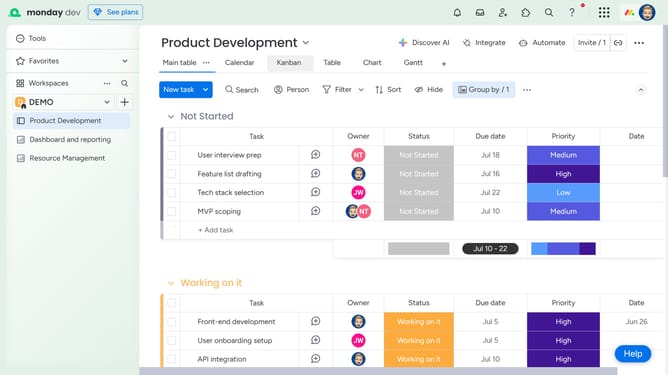
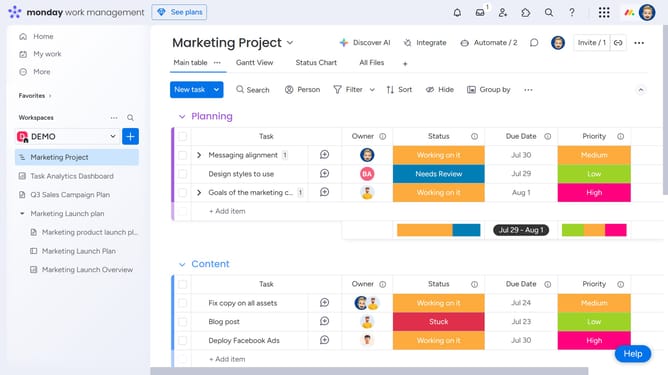
- First, click the “Main Table” view at the top of the board
- Next, click the "More options" menu (three dots) in the top toolbar
- Then click on the "Item height" option
- Finally select your preferred height setting from the dropdown menu
Why should you change the item height on a board in Monday.com
Monday.com is a versatile work operating system that enhances team collaboration and project management.
Changing the item height on a board in Monday.com allows for personalized viewing experiences, catering to different project needs.
This feature promotes a streamlined workflow by ensuring vital information is easily accessible at a glance.
Ultimately, it helps teams maintain focus and efficiency, fostering a more productive working environment without overwhelming visual clutter.
Last update