How to view previous versions of a file in Monday.com
Here is how to view previous versions of a file in monday.com
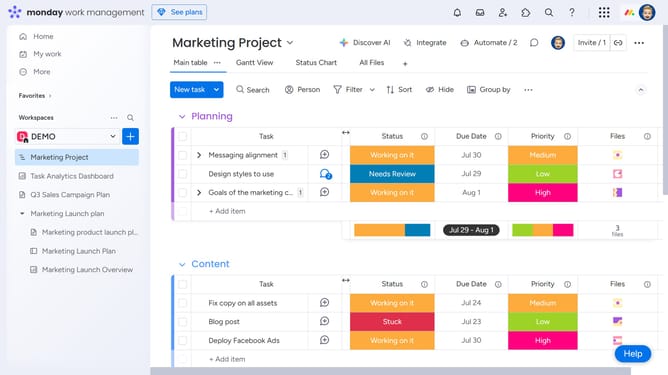
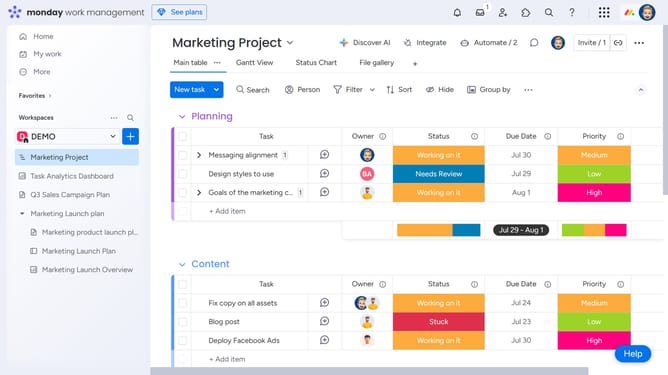
- First click the File Gallery view at the top of the board to open it
- Next locate and click the file you want to view the version history for
- Then click on the "Versions" button in the right sidebar of the file viewer
- Finally a list of previous versions will appear, showing upload dates and who uploaded them
Why should you view previous versions of a file in Monday.com
Monday.com is a versatile work operating system designed to help teams manage tasks and projects effortlessly.
One of its standout features is the ability to view previous versions of a file. This functionality ensures that team members can track the evolution of a document over time, providing a comprehensive view of changes and enhancements.
By accessing past versions, users can restore and compare, ensuring that no valuable data is ever lost. This feature significantly enhances collaboration, providing a safety net for edits and revisions in a dynamic team environment.
Last update