How to create a form in Monday.com
Here is how to create a form in monday.com
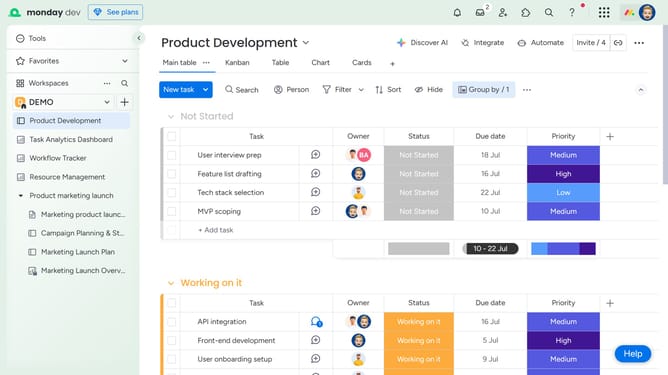
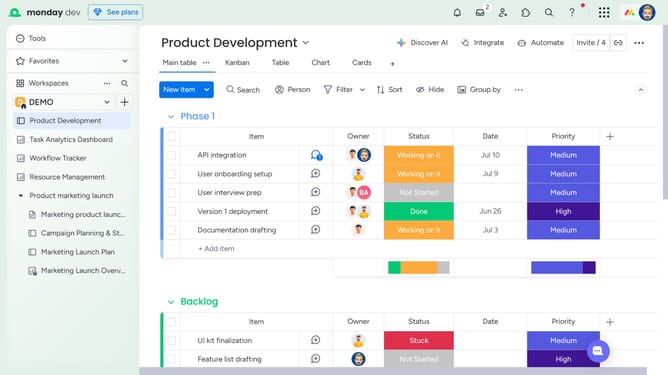
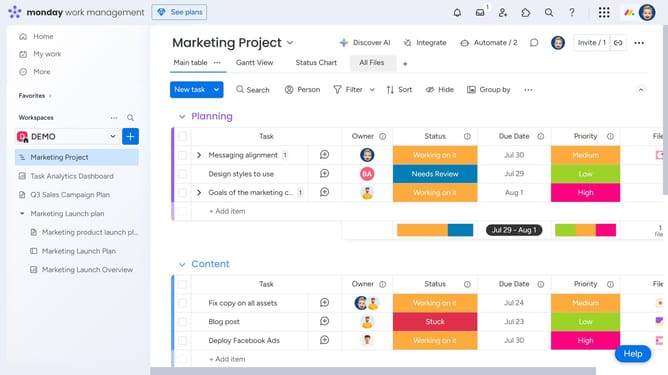
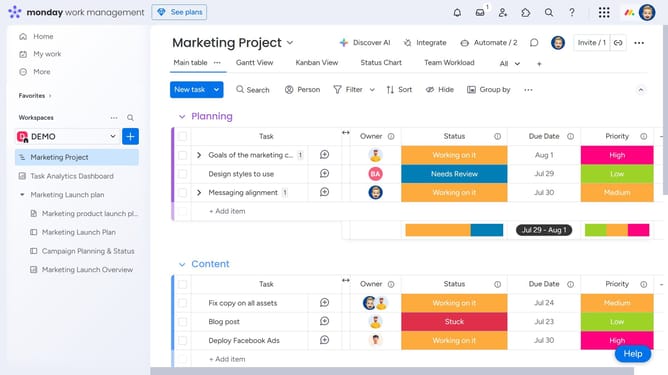
- First click on the "+" icon
- Then click on the "Form" option
- You will be able to customize your form on this page
- After customizing your form click the "Preview" button to see how the form looks it will open up a new tab
- Once you are satisfied on the looks of your form return to the original tab
- Next click on the "Share form" button
- Click the "Copy link" button in the top-right corner to get a link and publish your form
Why should you create a form in Monday.com
Monday.com is a versatile work operating system designed to empower teams to run their projects and workflows with confidence.
Creating a form in Monday.com allows you to effortlessly gather information and feedback from your team or clients.
This feature streamlines the data collection process, ensuring that submissions are automatically organized and readily available within your workspace.
Utilizing forms in Monday.com enhances collaboration and efficiency, enabling faster decision-making based on well-structured, easily accessible data.
Last update