How to add an item to a board in Monday.com
Here is how to add an item to a board in monday.com
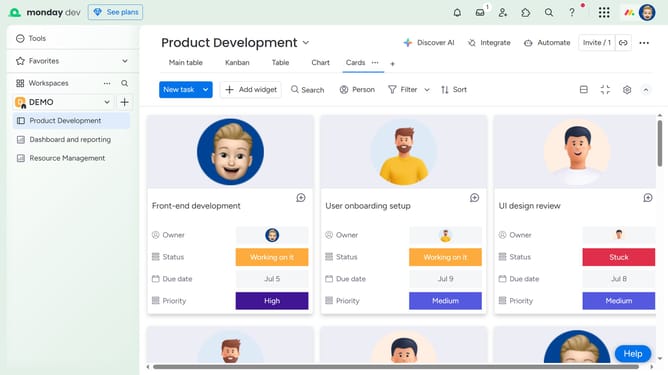
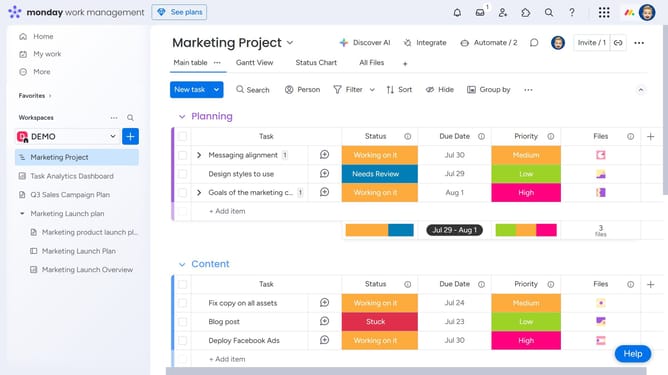
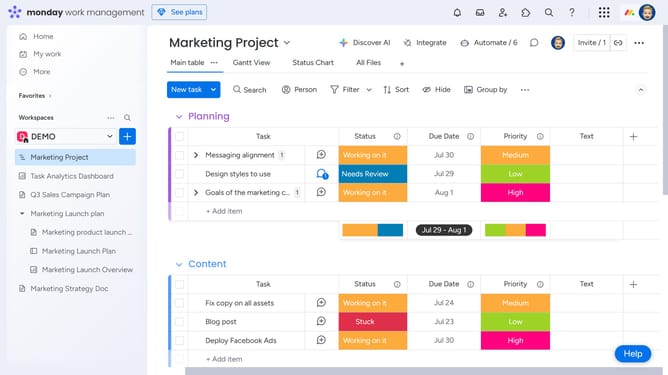
- First open the board where you want to add a new item
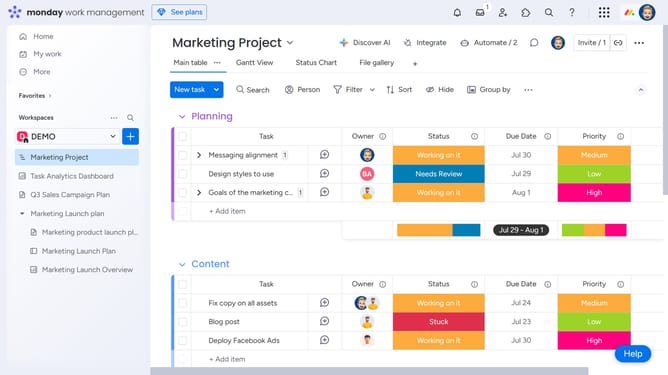
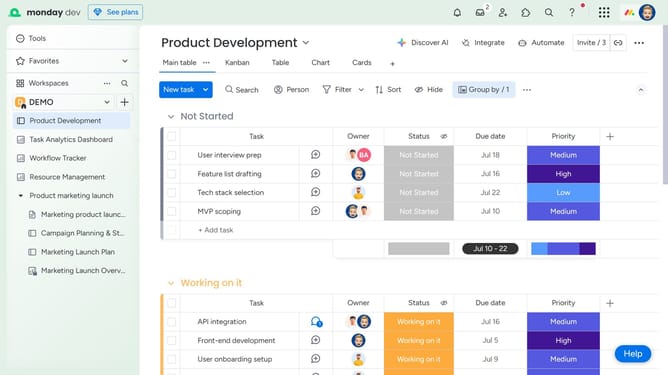
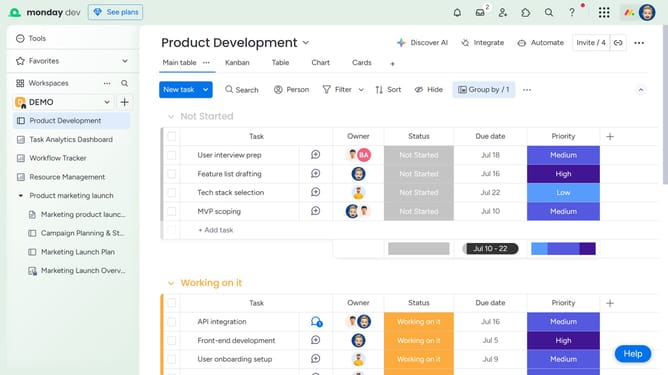
- To add a new item, click the "+ Add item"
- Another option is to click on the "New item” button at the top of your board
- Then a new row will appear, type the item name in the first column and press "Enter" to save
- Now, click into the other columns to fill out additional details like owner, status, priority, and more
Why should you add an item to a board in Monday.com
Monday.com is a versatile platform designed to streamline work management and enhance team collaboration.
Adding an item to a board in Monday.com is a straightforward process that significantly boosts organizational efficiency. This feature is crafted to simplify task tracking, making it easy to allocate and assign responsibilities across teams.
By harnessing this functionality, users can quickly adapt to changing project needs, ensuring no detail is overlooked. The intuitive interface encourages seamless communication, helping projects stay on track and fostering a well-coordinated workflow.
Last update