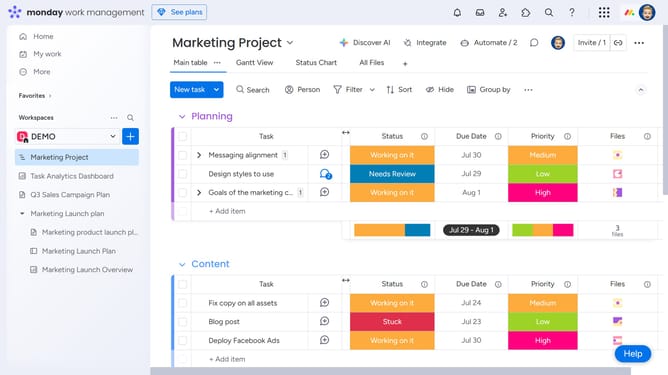
How to duplicate a widget in Monday.com
Here is how to duplicate a widget in monday.com
- First in the left sidebar, open the dashboard that contains the widget you want to duplicate
- Next locate the widget on the dashboard
- Then click on the "More options" button (three dots) in the top-right of the widget
- Finally click on the "Duplicate" option in the dropdown menu that appears
Why should you duplicate a widget in Monday.com
Monday.com is a versatile work operating system designed to manage tasks, projects, and teamwork seamlessly.
One standout feature is the ability to quickly duplicate widgets. This functionality is invaluable for saving time and maintaining consistency across different boards and dashboards.
With a simple duplication process, you can effortlessly replicate complex widgets without having to manually recreate settings, thus streamlining workflows and enhancing productivity.
Last update