How to sort data in a Chart Widget in Monday.com
Here is how to sort data in a chart widget in monday.com
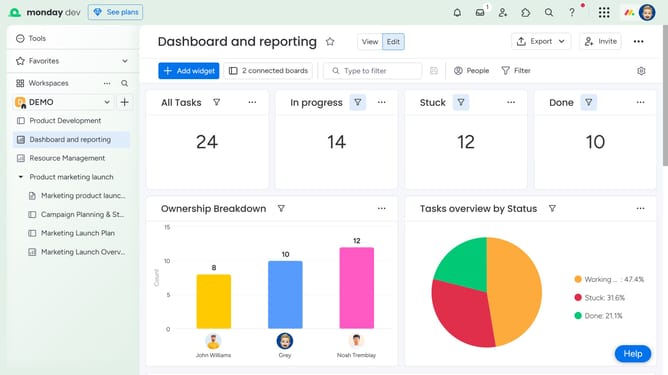
- First click on the dashboard that contains the Chart Widget in the left sidebar
- Next locate the Chart Widget you want to sort
- Click on the "More actions" button (three dots) in the chart widget header
- Select "Settings" from the dropdown menu
- Click on the "Customize" dropdown in the Widget settings panel
- Then click the "Sort by" dropdown in the Sort by section
- Finally choose your preferred sort direction from the dropdown menu
- The chart will update automatically to reflect your sorting preferences
Why should you sort data in a Chart Widget in Monday.com
Monday.com is a versatile work operating system designed to streamline team collaboration and enhance project management efficiency.
The Chart Widget in Monday.com allows users to effortlessly sort data, which significantly optimizes visual data representation and analysis.
Sorting data in the Chart Widget facilitates a deeper understanding of trends and patterns by organizing information according to specific criteria.
This feature boosts productivity by enabling quick, data-driven decision-making, empowering teams to act swiftly and effectively based on clear insights.
Last update