How to switch between accounts in Monday.com
Here is how to switch between accounts in monday.com
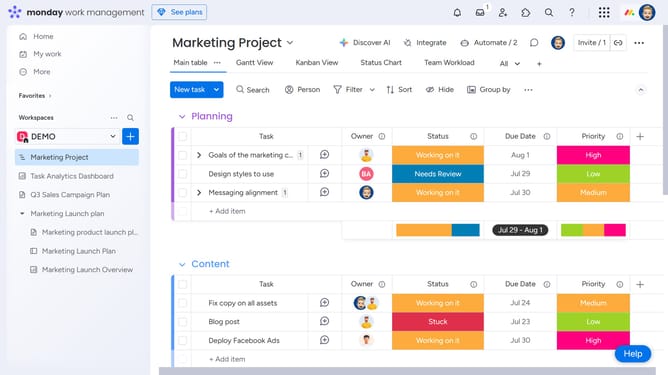
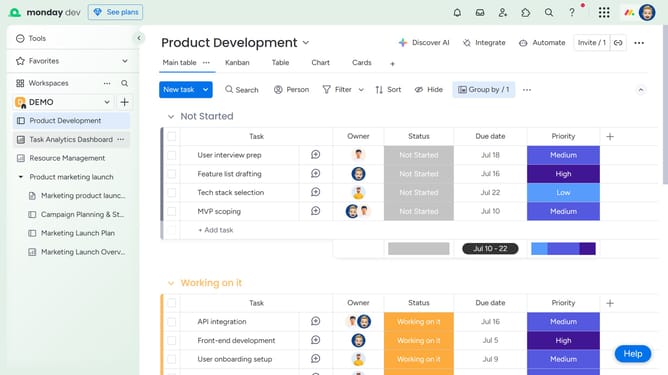
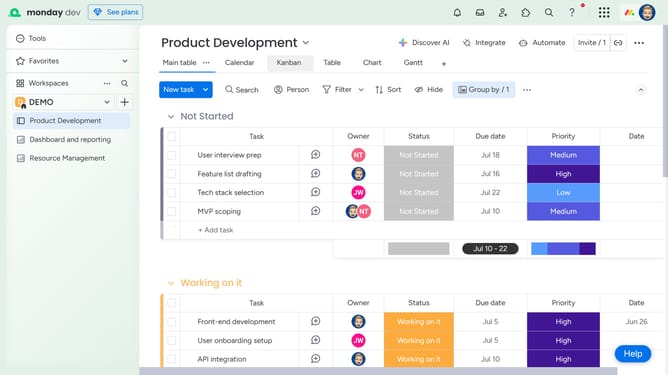
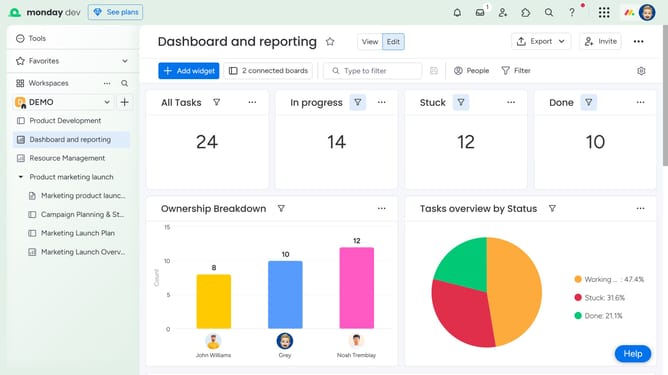
- First click on the profile picture in the top-right corner of the header
- Then click on the "Switch accounts" option in the dropdown menu
- Finally select the account you want to switch to from the options
Why should you switch between accounts in Monday.com
Monday.com is a versatile work operating system that powers team collaboration and productivity.
The ability to switch between accounts seamlessly in Monday.com is a powerful feature that enhances efficiency.
Whether you're managing multiple projects or working with different teams, this feature saves you time by eliminating the need to log in and log out repeatedly.
Switching between accounts effortlessly ensures that you stay focused and organized, allowing smooth workflow continuity.
Last update