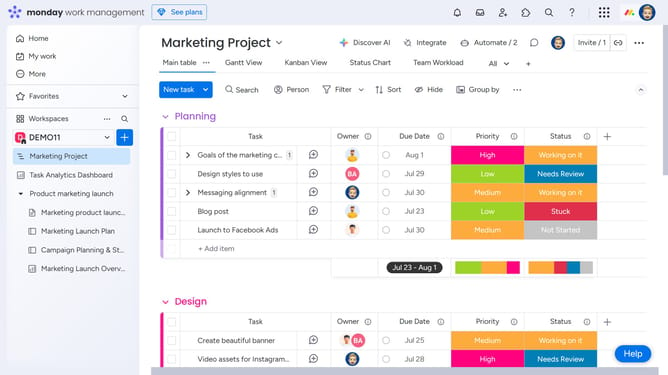
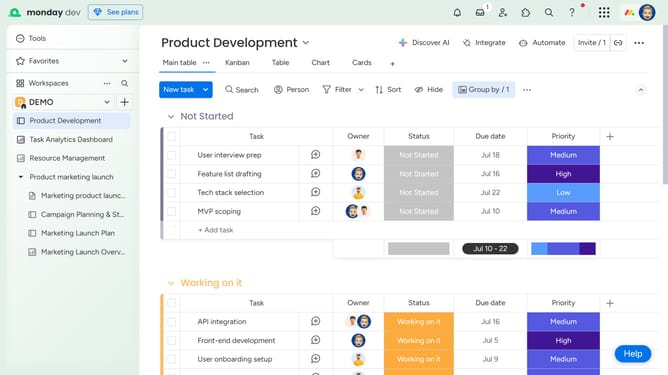
How to upload a file in the Updates section in Monday.com
Here is how to upload a file in the updates section in monday.com
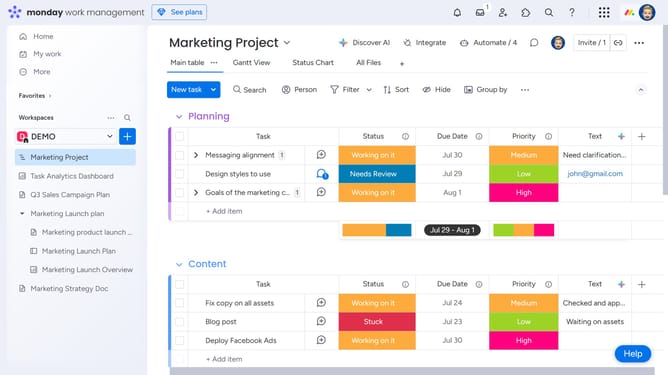
- First click on the "speech bubble" icon on any item to view the Updates Section
- Next click on the update text input field to start writing an update
- Then click on the attachment icon to add a file
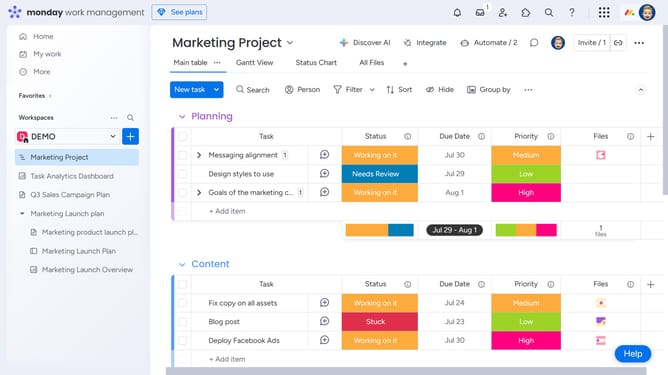
- Finally, select the file you would like to upload from your computer, Google Drive, Dropbox, Box, OneDrive or SharePoint
- Once uploaded, the file will be successfully attached to the update
Why should you upload a file in the Updates section in Monday.com
Monday.com is a versatile work operating system designed to simplify project management and team collaboration.
Uploading a file in the Updates section on Monday.com enables seamless sharing and visibility among team members. This feature fosters a centralized hub for files, ensuring everyone stays informed with the latest information.
By leveraging this functional aspect, teams can enhance their communication and keep all essential documents organized. It significantly contributes to efficient workflows and improved productivity.
Last update