How to customize item terminology in Monday.com
Here is how to customize item terminology in monday.com
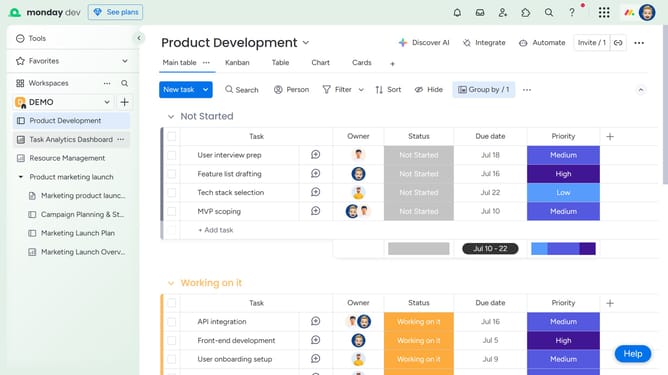
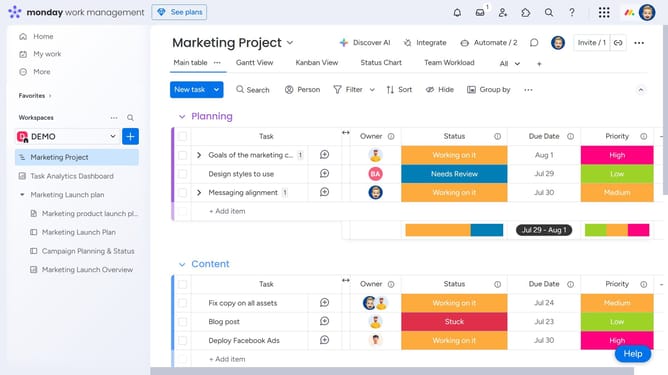
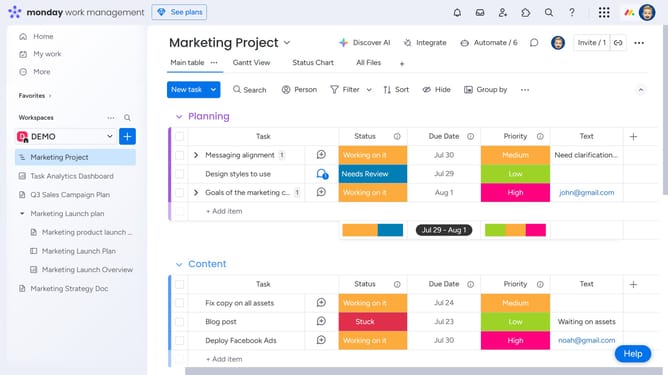
- First click on the "More actions" button (three dots) in the top-right corner of the board
- Next click on "Settings" option in the dropdown menu
- Select "Change item terminology" from the settings submenu
- Click on "Custom" radio button in the terminology dialog
- Then enter your preferred word in the custom terminology field
- Finally click the "Change" button to apply the new terminology
Why should you customize item terminology in Monday.com
Monday.com is a dynamic work management platform designed to streamline collaboration and productivity.
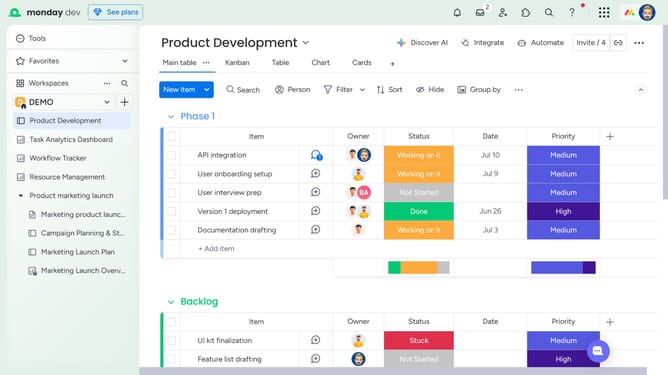
Customizing item terminology in Monday.com allows teams to tailor the language of their workspace to better reflect their unique processes and workflows. This feature not only enhances clarity among team members but also fosters a sense of ownership and alignment with organizational goals.
By adapting the terminology, users can effortlessly bridge communication gaps and connect better with the platform, making work processes more intuitive and efficient.
Last update