How to get a visual overview of subitem data in Monday.com
Here is how to get a visual overview of subitem data in monday.com
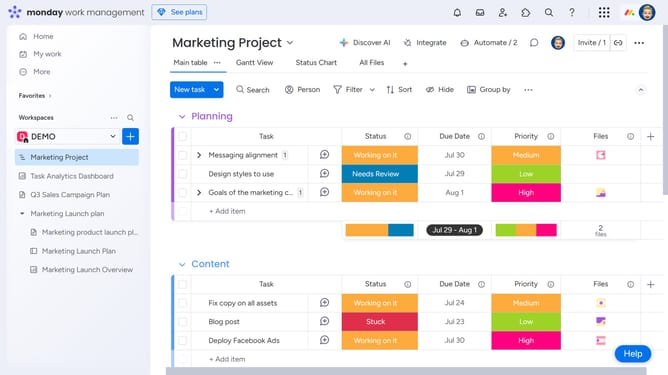
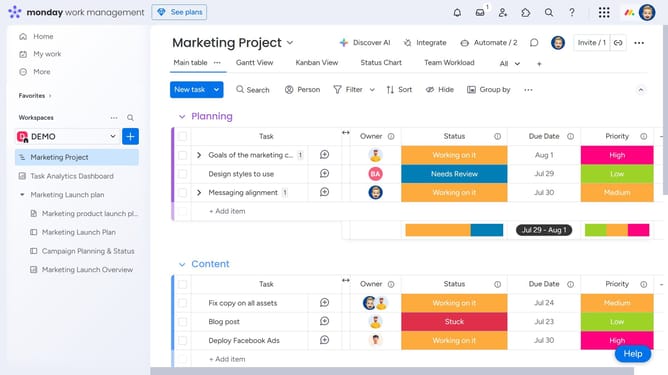
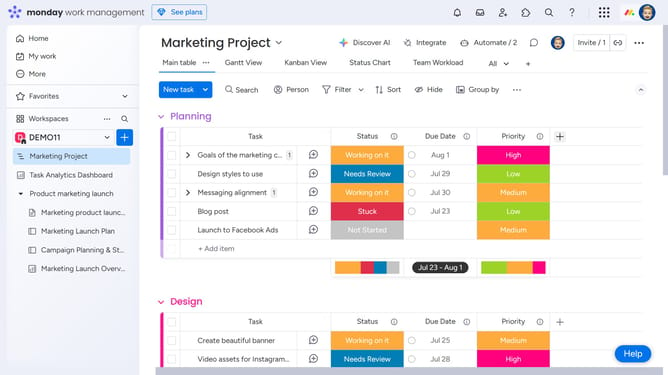
- First locate the parent item and expand it to reveal the subitems
- In the subitems, click on the more options menu (three dots) in the column header you want to summarize
- Then select "Show Summary on Parent Item" from the dropdown menu that appears
- A summary will appear on the parent item for that column (such as count, total, average)
Why should you get a visual overview of subitem data in Monday.com
Monday.com is a dynamic work management platform designed to streamline projects and enhance collaboration.
The ability to get a visual overview of subitem data in Monday.com provides unparalleled clarity and insight into project details.
This feature allows users to dive deeper into tasks, ensuring that every subtask is visible and manageable, thus leading to improved organization and accountability.
By having a clear visual representation of subitem data, teams can spot potential issues early, allocate resources efficiently, and maintain seamless workflow management.
Last update