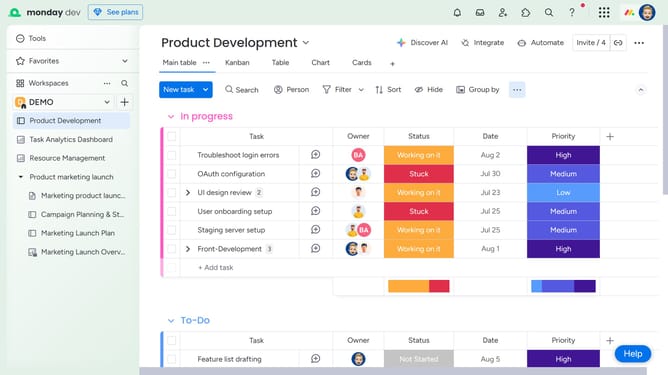
How to view a file in full-screen from the Files column in Monday.com
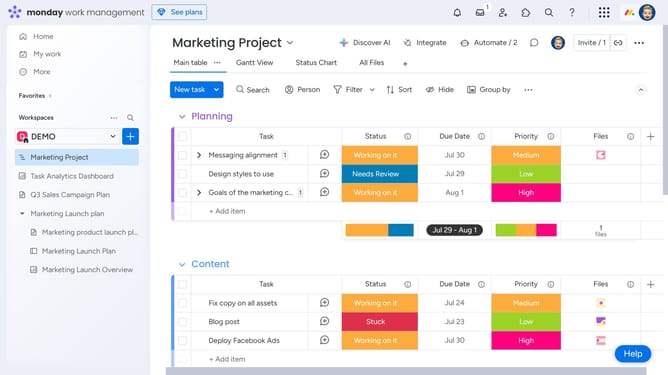
Here is how to view a file in full-screen from the files column in monday.com
- First locate the item with the file in the Files column
- Then click on the file thumbnail in the Files column
- Finally the file will open in full-screen mode
Why should you view a file in full-screen from the Files column in Monday.com
Monday.com is a versatile work operating system designed to streamline project management and collaboration.
One of its valuable features allows users to view files in full-screen directly from the Files column.
Engaging with files in full-screen mode enhances focus and aids in the detailed analysis or presentation of documents without unnecessary distractions.
This feature enriches user convenience and productivity, making file management seamless and efficient.
Last update