How to disable notifications in Monday.com
Here is how to disable notifications in monday.com
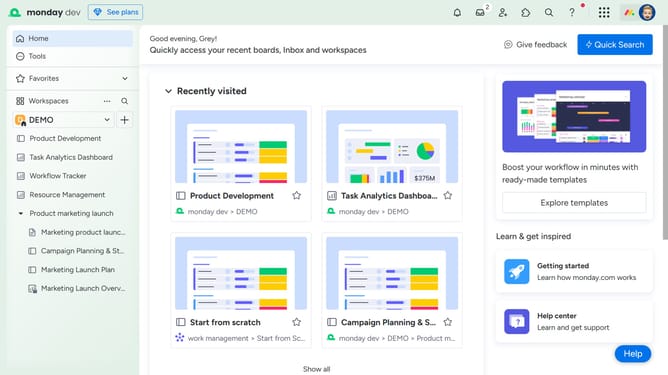
- First click on your profile picture in the top-right corner of the main interface
- Next click on the "My profile" option in the account dropdown menu
- Click on "Notifications" in the left sidebar of the Profile settings
- Then, scroll down to the bottom of the Notifications settings page
- Finally click the toggle switch to disable desktop notifications
Why should you disable notifications in Monday.com
Monday.com is a versatile work management platform designed to streamline teamwork and boost productivity.
Disabling notifications in Monday.com empowers users to tailor their focus time, ensuring that distractions are minimized. This feature is particularly beneficial for those juggling numerous projects or needing uninterrupted periods for deep work.
By managing notification settings, users can create a more individualized workflow experience. Harnessing this flexibility leads to improved concentration and efficiency, crucial factors in achieving any task or project goal with clarity and precision.
Last update