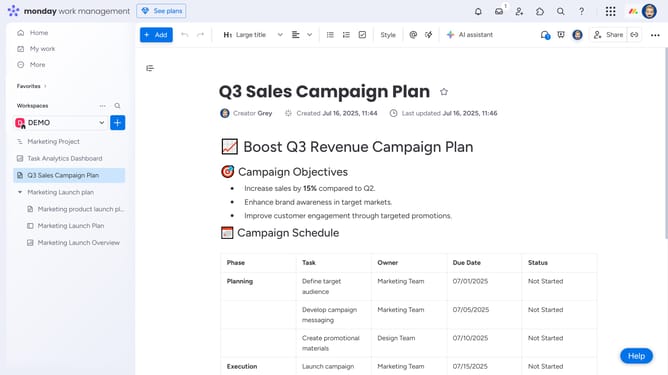
How to resize a column in Monday.com
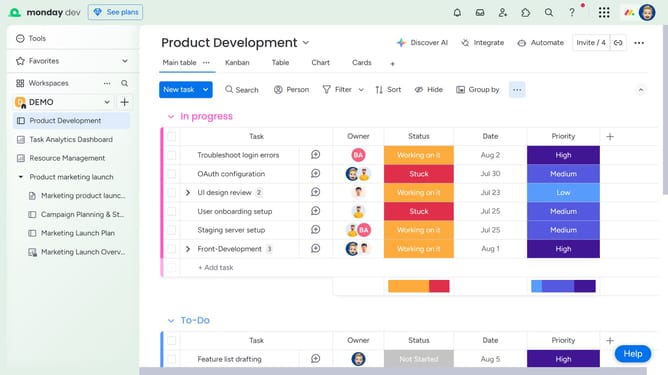
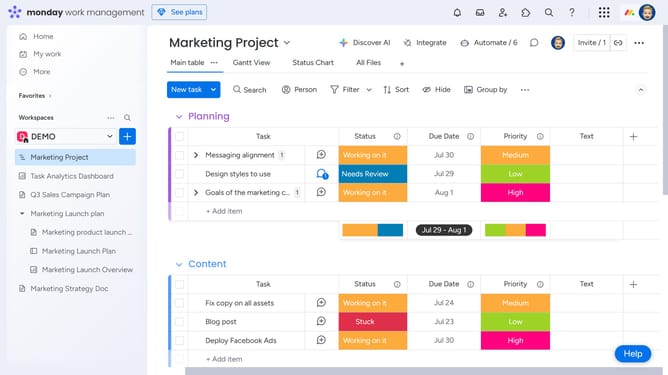
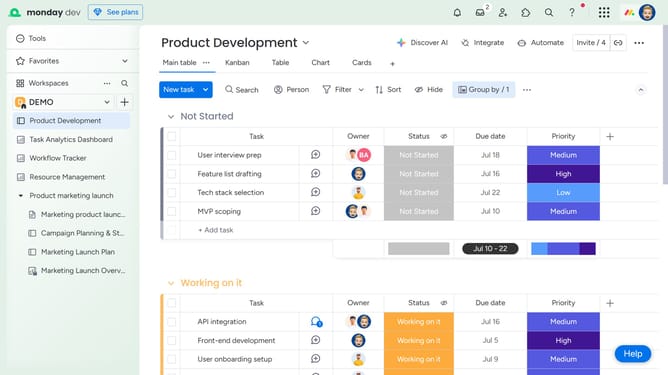
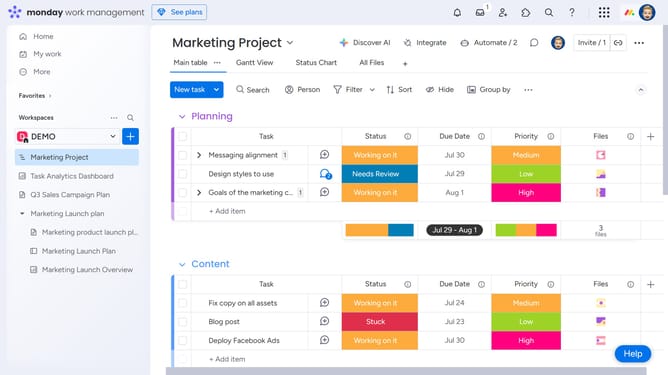
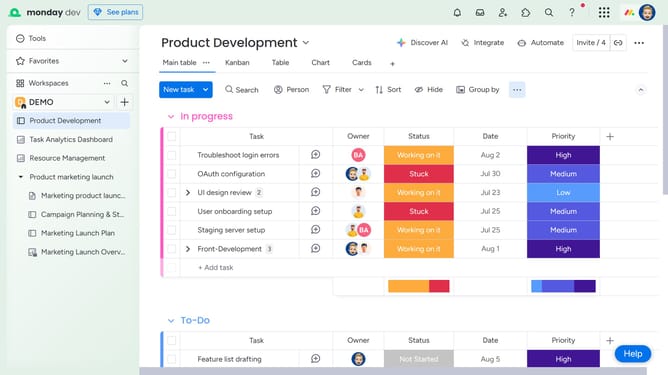
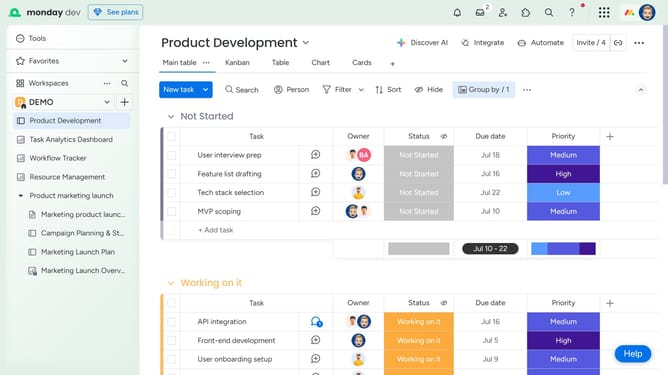
Here is how to resize a column in monday.com
- First locate the column you want to resize
- Hover over the right edge of the column header, then click and hold the vertical resize bar that appears
- Finally drag left or right to adjust the column width to your preferred size
Why should you resize a column in Monday.com
Monday.com is a comprehensive work operating system that allows teams to run projects and workflows with confidence.
Resizing a column in Monday.com is an intuitive feature that enhances the visibility and organization of your data. With just a quick adjustment, you can customize the display, ensuring that all information fits perfectly within your board.
This capability is essential for maintaining clarity and focus, especially when dealing with varied data and tasks. By resizing columns, you can prioritize important data, streamline workflow visualization, and enhance both individual and team productivity effortlessly.
Last update