How to sort your items by a column in Monday.com
Here is how to sort your items by a column in monday.com
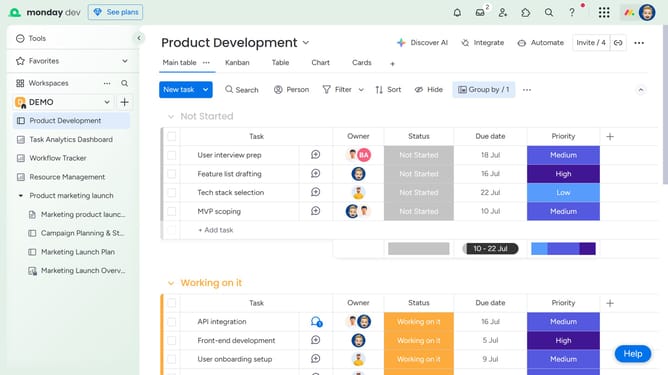
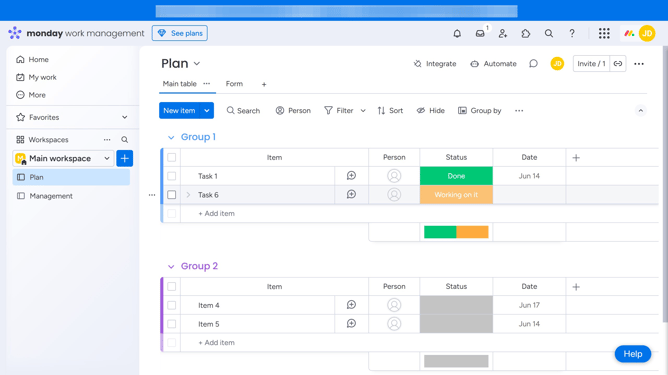
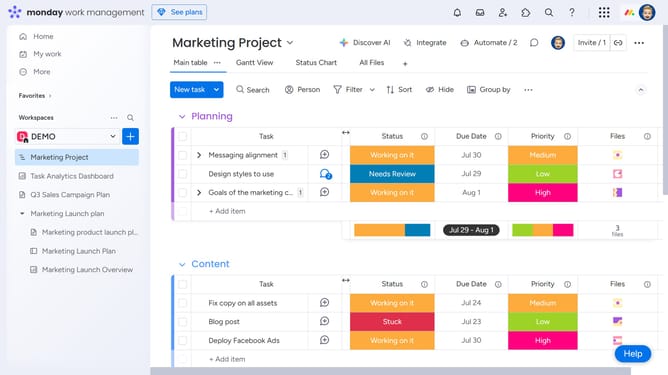
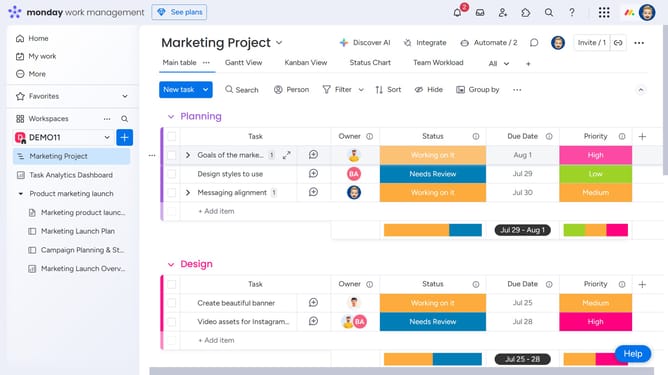
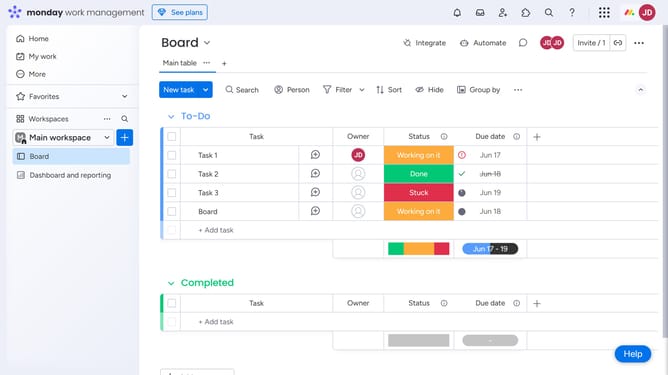
- First, on the board, locate the column you want to use for sorting
- Hover over the column name and click the arrow icon to toggle between ascending and descending order
- Then the board will rearrange items based on the selected sort order for that column
- If you want the sort to save, click on the "Save" button to the left of the sort button
Why should you sort your items by a column in Monday.com
Monday.com is a versatile work management platform designed to enhance team productivity and collaboration.
The platform allows users to effortlessly sort items by any column. This feature is an essential tool in creating a streamlined workflow, ensuring that your data is organized according to your specific needs.
Sorting by columns not only saves time but also enhances clarity, enabling teams to focus on priorities with precision. This intuitive feature supports dynamic project management and keeps teams aligned and on track.
Last update