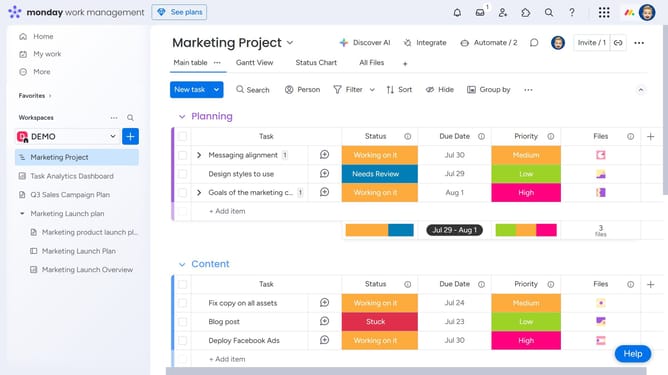
How to upload a file in the Files tab in Monday.com
Here is how to upload a file in the files tab in monday.com
- First click on an item where you want to upload your file
- In the item panel that opens on the right, click the “Files” tab at the top
- Then click the "Add file" button in the files toolbar
- Finally, select a file from your device, and it will be uploaded and saved to the Files tab
Why should you upload a file in the Files tab in Monday.com
Monday.com is a versatile platform designed to streamline team collaboration and project management.
Uploading a file in the Files tab on Monday.com centralizes your documents, making it easier for team members to access essential files at any time.
This feature enhances collaboration by allowing seamless sharing of information, reducing email clutter, and ensuring that everyone is on the same page.
Enjoy the ease of having all project-related documents in one place, which facilitates efficient workflow and boosts productivity.
Last update