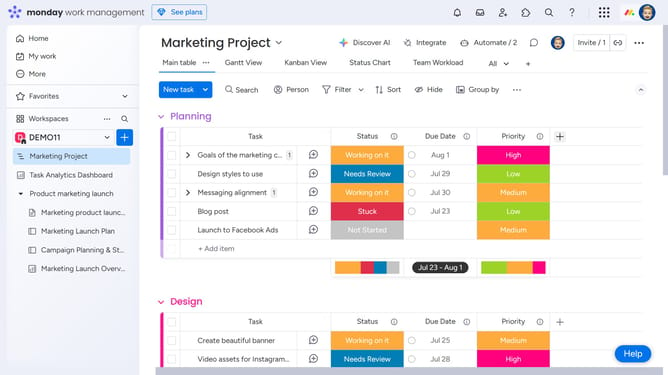
How to manage notification settings in Monday.com
Here is how to manage notification settings in monday.com
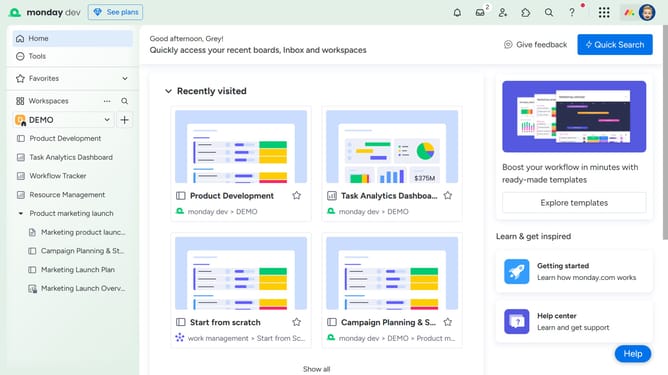
- First click on the profile picture in the top-right corner of the main interface
- Next click on "My profile" option in the dropdown menu
- Click on "Notifications" in the left sidebar of the Profile settings
- Then, on the Notifications settings page, you’ll see all available notification options
- Toggle the switches on or off to enable or disable specific notifications according to your preference
Why should you manage notification settings in Monday.com
Monday.com is a versatile platform designed to streamline your team’s work and enhance productivity through effective project management.
Managing notification settings in Monday.com allows you to stay informed in a way that's tailored to your needs, helping you focus on what truly matters.
By customizing your notifications, you can minimize distractions and enhance your workflow, ensuring you receive insights and updates that align with your priorities.
This approach not only keeps you connected with your team but also promotes an efficient, harmonious work environment.
Last update