How to archive a Workdoc in Monday.com
Here is how to archive a workdoc in monday.com
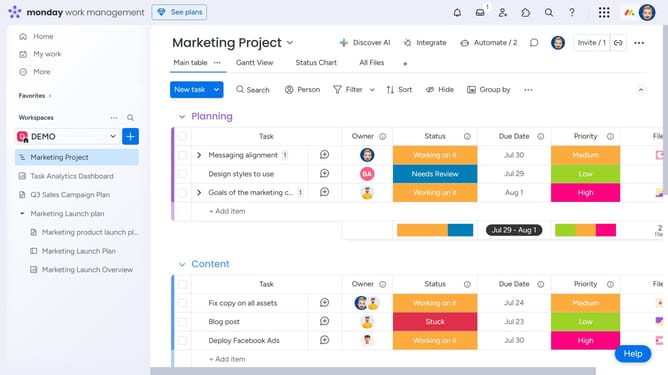
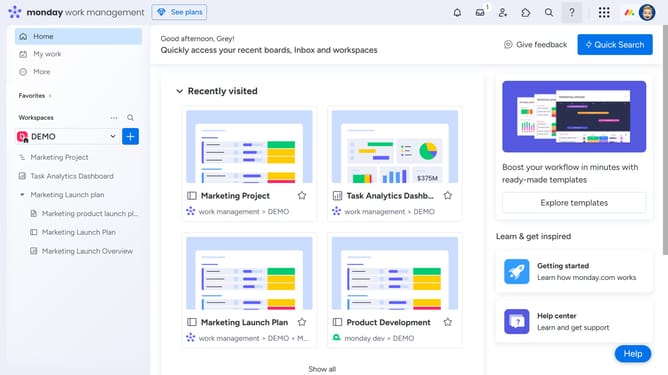
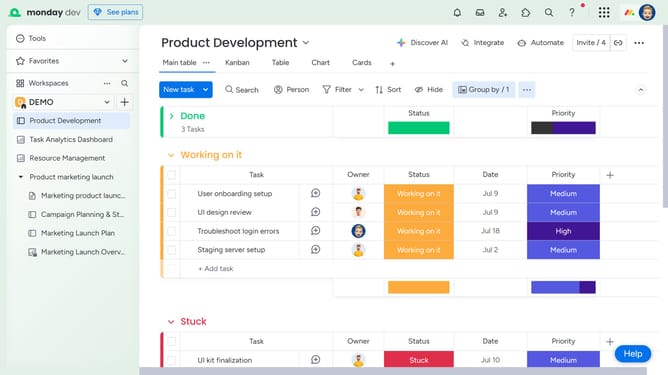
- First open the Workdoc you want to archive from the left sidebar
- Next click on the "more options" menu (three dots) in the top-right corner of the screen
- Then click on "Delete / Archive" option in the dropdown menu
- Finally select "Archive" from the submenu that appears
- The Workdoc will be moved to the archive section of the Workspace, and you can restore it if needed
Why should you archive a Workdoc in Monday.com
Monday.com is a versatile work operating system designed to streamline teamwork and enhance productivity.
Archiving a Workdoc in Monday.com helps maintain a clutter-free workspace by allowing users to store important documents without deleting them permanently. This feature ensures that valuable resources are always retrievable when needed.
Utilizing the archiving feature aids in organizing information efficiently, ensuring that your team's workspace remains clear and accessible for optimal collaboration.
Experience increased efficiency with Monday.com's thoughtful Workdoc archiving, preserving essential knowledge while keeping your workspace neat.
Last update