How to add another version of a file in Monday.com
Here is how to add another version of a file in monday.com
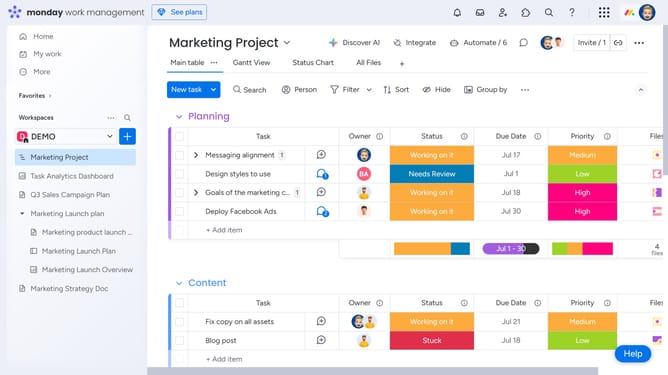
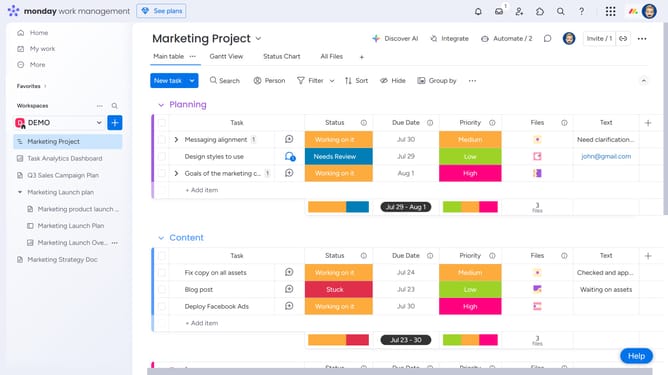
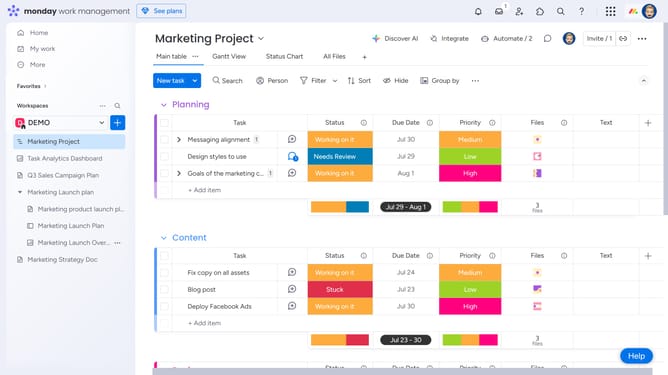
- First open the board containing the file you want to update
- Next click on the "Files Gallery" view in the top navigation menu
- Then click on the file you want to add a new version to
- Next click on the "Versions" icon in the right sidebar
- Then click on "Add version" button in the Versions panel
- Finally upload the new version of the file from your device
- Your new version will replace the file, and the previous versions will remain available
Why should you add another version of a file in Monday.com
Monday.com is a versatile work operating system designed to streamline team collaboration and project management.
One of the powerful features within Monday.com is the ability to add another version of a file. This feature enhances project fluidity by allowing users to seamlessly update documents without losing previous iterations.
Keeping track of file versions ensures all team members are aligned, prevents data loss, and increases the efficiency of collaborative efforts.
Last update