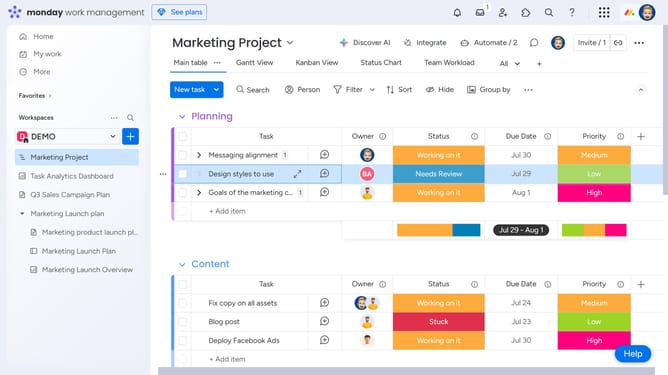
How to translate text with AI in Monday.com
Here is how to translate text with ai in monday.com
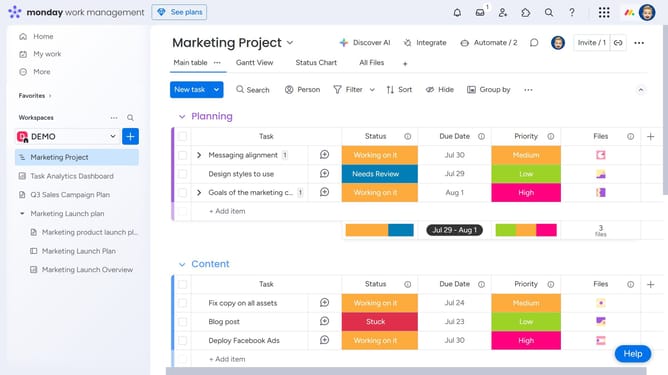
- First open to your board containing the text you want to translate
- Next locate the "Text" column
- Click the "More options" button (three dots) in the top-right corner of the column
- Then select "Autofill with AI" from the dropdown menu
- Click on "Translate" option in the AI actions menu
- Next click on the "Text to translate" dropdown menu
- Select the column with the text to translate from the dropdown menu
- Click on the "Choose language" dropdown menu
- Then select the target language from the language selection dropdown
- Finally click the "Save & apply" button to generate the translation
Why should you translate text with AI in Monday.com
Monday.com is a versatile work operating system designed to streamline team collaboration and project management.
One standout feature is its AI-powered text translation capability, allowing users to seamlessly translate communications within projects.
This feature enhances global collaboration, ensuring that team members from different linguistic backgrounds can communicate effortlessly.
Using AI for translation in Monday.com saves time and reduces misunderstandings, fostering a more inclusive and efficient work environment.
Last update