How to pin a column in Monday.com
Here is how to pin a column in monday.com
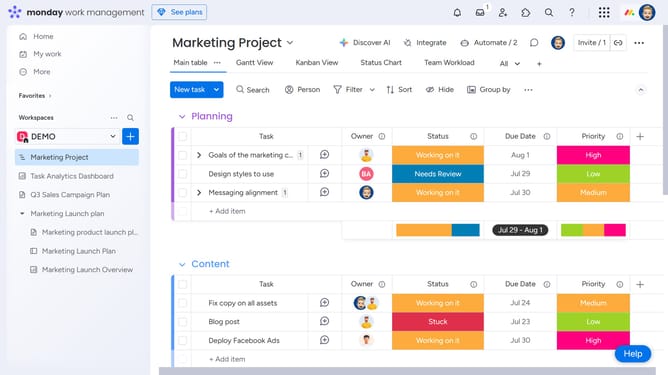
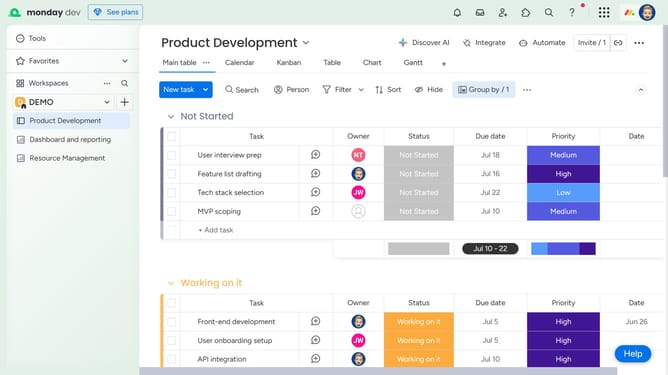
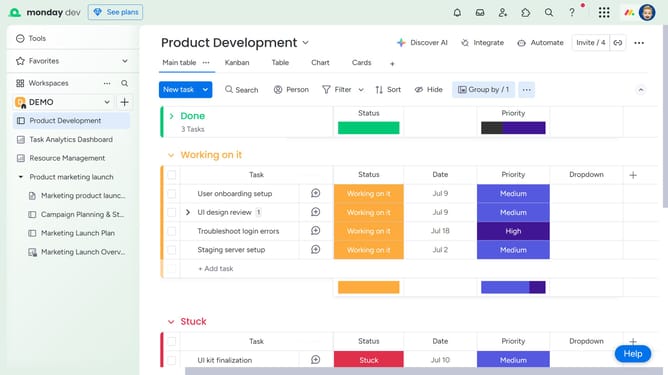
- First, click the "More actions" button in the board's top toolbar
- Next click the "Pin columns" icon in the dropdown menu that appears
- Then the "Choose columns to pin" panel will open
- Finally, select the checkbox of the column you want to pin. Note that selecting a column will also include all columns listed above it
Why should you pin a column in Monday.com
Monday.com is a versatile work operating system designed to streamline project management and enhance team collaboration.
Among its robust features, the ability to pin a column helps keep essential information at your fingertips.
Pinning a column ensures that critical data is always visible, promoting efficiency and reducing time spent searching.
This feature supports focused workflows, enabling teams to prioritize tasks and deadlines with ease, ultimately boosting productivity.
Last update