How to move a widget in a dashboard in Monday.com
Here is how to move a widget in a dashboard in monday.com
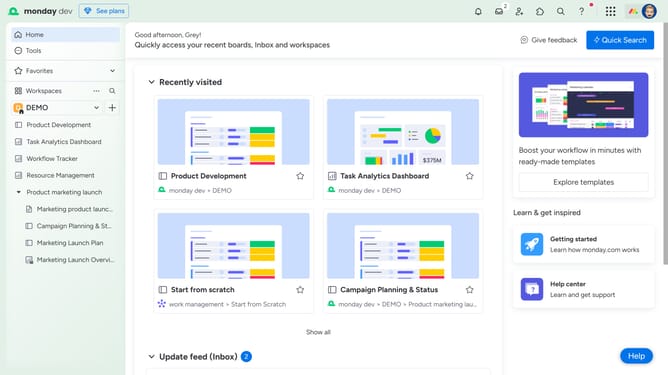
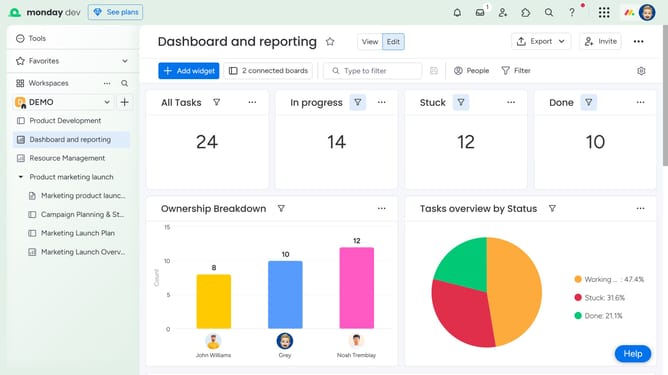
- First in the left sidebar, open the dashboard that contains the widget you want to move
- Next hover over the widget you want to move on the dashboard
- Locate the "drag handle" in the widget. Then, click and drag it to your desired position on the dashboard
- Finally release the mouse button to drop the widget in the new location
Why should you move a widget in a dashboard in Monday.com
Monday.com is a dynamic work operating system designed to streamline team collaboration and project management.
Moving a widget in a dashboard on Monday.com is a simple, yet powerful feature that enables users to tailor their workspace to better fit their project needs.
This flexibility allows each team member to customize their view, ensuring that the most relevant data is front and center, ultimately enhancing productivity and clarity.
Embracing this personalized approach not only saves time but also aligns team efforts with goals, fostering a more efficient working environment.
Last update