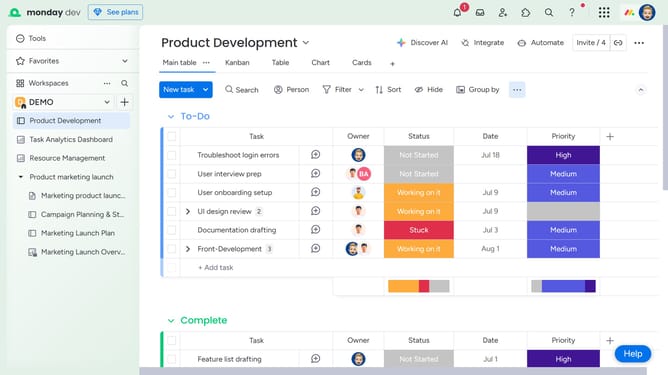
How to delete a Doc from the Docs column in Monday.com
Here is how to delete a doc from the docs column in monday.com
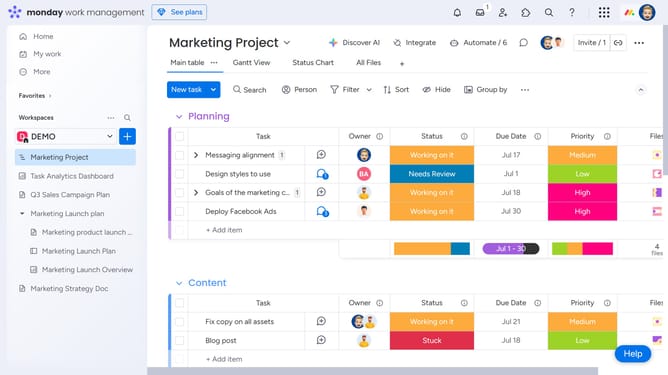
- First locate the Docs column on the board
- Next find the Doc you want to delete and click the "x" next to it
- Then click on the "Delete" button in the confirmation dialog box
- The Doc will be permanently removed from the Docs column and the board item
Why should you delete a Doc from the Docs column in Monday.com
Monday.com is a versatile work operating system designed to streamline workflows and enhance team collaboration.
Within Monday.com, the ability to delete a Doc from the Docs column helps maintain an organized workspace, removing outdated or irrelevant documents effortlessly.
This feature ensures only the most relevant information is readily available, minimizing clutter and maximizing productivity. Keeping your workspace tidy aids in focusing on current projects and decision-making, driving efficiency in your team's workflow.
Last update