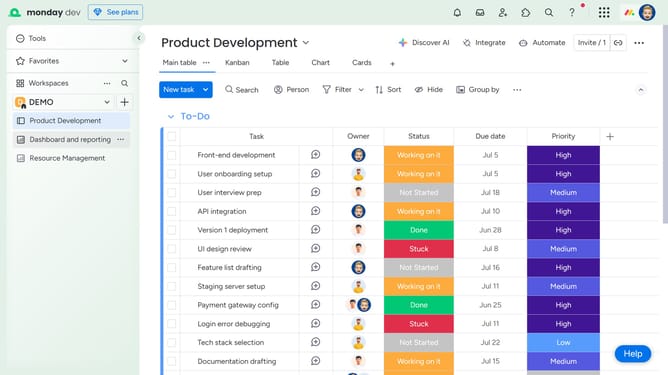
How to bulk delete items from a board in Monday.com
Here is how to bulk delete items from a board in monday.com
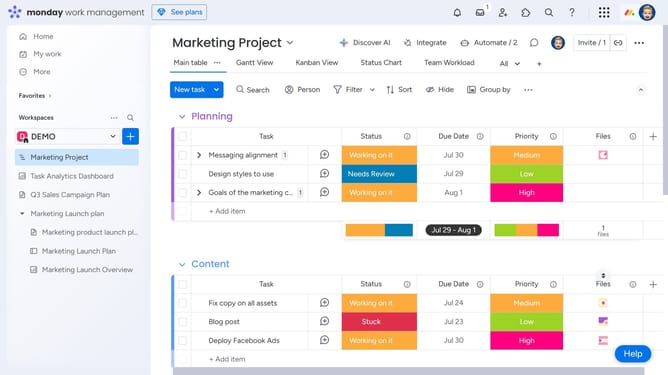
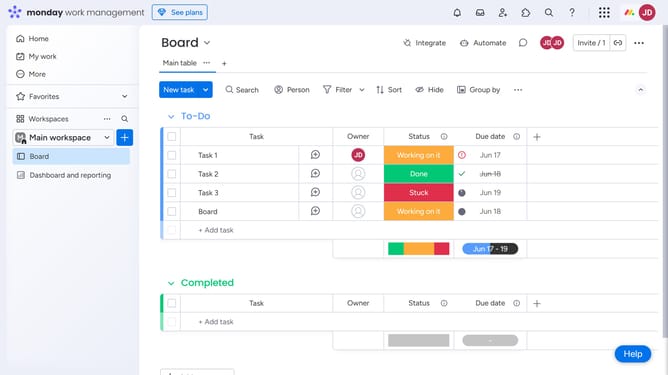
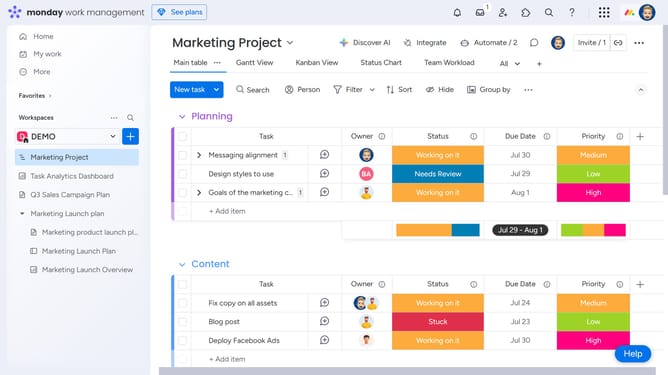
- First open the board that contains the items you want to delete
- Next select the items you want to delete by clicking the checkbox next to each one
- Then click on the "Delete" button in the action toolbar
- Finally click the "Delete" button in the confirmation dialog
Why should you bulk delete items from a board in Monday.com
Monday.com is a versatile work operating system designed to simplify team collaboration and workflow management.
The ability to bulk delete items from a board in Monday.com streamlines the process of managing large numbers of tasks, enhancing organizational efficiency. It allows users to effortlessly maintain only what's necessary without cluttering project views.
This feature is especially beneficial in fast-paced environments where priorities shift swiftly, enabling teams to stay agile and focused by effortlessly discarding what's obsolete.
Last update