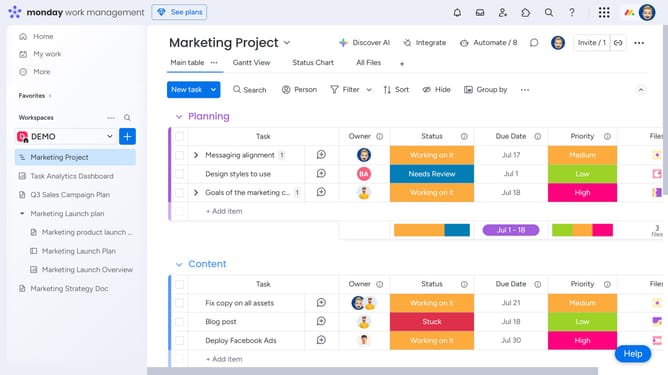
How to add a Cards View widget to a dashboard in Monday.com
Here is how to add a cards view widget to a dashboard in monday.com
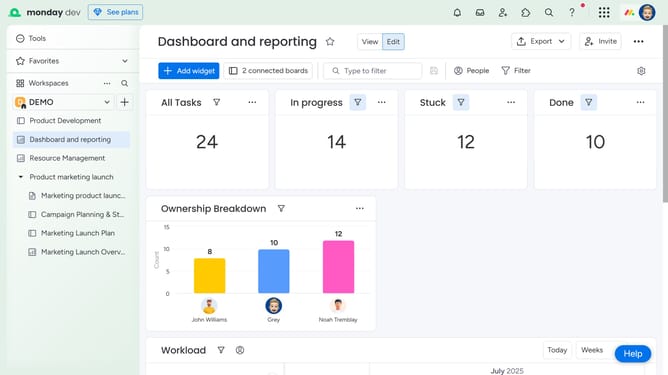
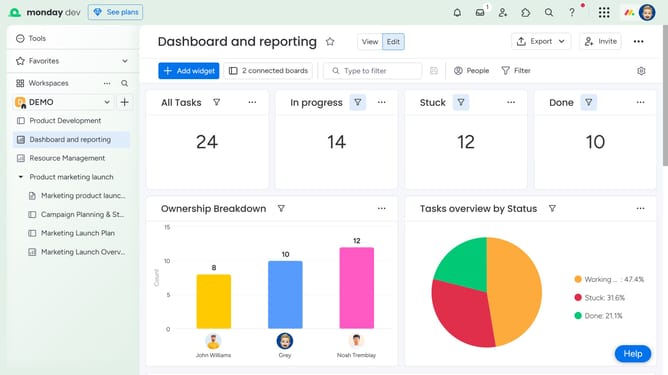
- First navigate to the dashboard where you want to add the Cards View widget
- Next click on "Add widget" button in the top toolbar
- From the widget selection menu, click the "More widgets" option
- Then in the Widgets Center, use the search bar or scroll to find the "Cards" widget
- Finally click "Add widget" button on the Cards widget
- The Cards View widget will now be added to your dashboard
Why should you add a Cards View widget to a dashboard in Monday.com
Monday.com is an intuitive work operating system that helps teams manage tasks and collaborate efficiently.
The Cards View widget offers a dynamic feature for visualizing and managing projects effortlessly. By integrating this widget into your dashboard, team members can easily grasp the status and details of each task at a glance.
Using the Cards View widget enhances workflow transparency, enabling more efficient prioritization and decision-making. It's an excellent tool for keeping everyone aligned and productive.
Last update