How to resize a widget in a dashboard in Monday.com
Here is how to resize a widget in a dashboard in monday.com
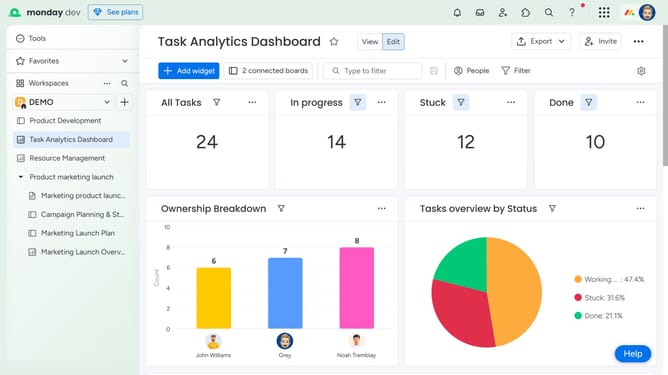
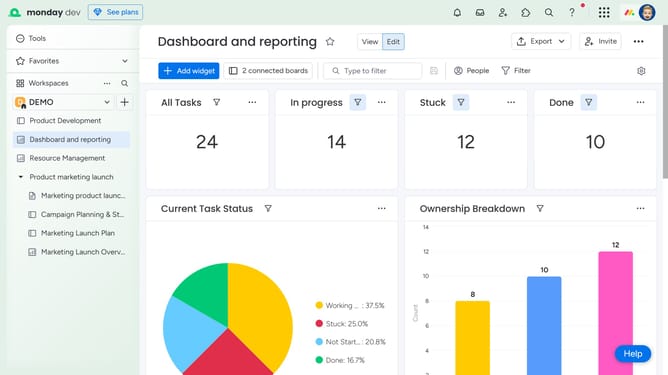
- First in the left sidebar, open the dashboard containing the widget you want to resize
- Next locate and hover over the widget you want to resize on the dashboard
- Then a resize handle will appear. Click and drag it to resize the widget to your desired dimensions
- Finally release the mouse to apply the new size
Why should you resize a widget in a dashboard in Monday.com
Monday.com is a versatile work operating system designed to streamline teamwork and project management effortlessly.
Resizing a widget in your Monday.com dashboard empowers you to tailor your workspace to better meet your specific needs.
Adjusting widget sizes allows for enhanced visibility of important data, making your dashboard more intuitive and functional.
This feature not only provides a cleaner overview but also boosts productivity by spotlighting the most relevant information.
Last update