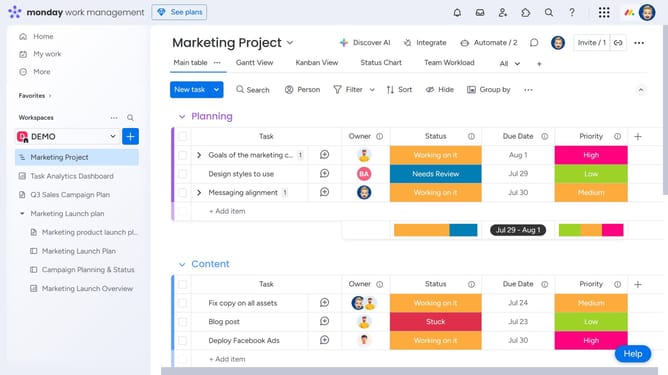
How to share a widget from a dashboard in Monday.com
Here is how to share a widget from a dashboard in monday.com
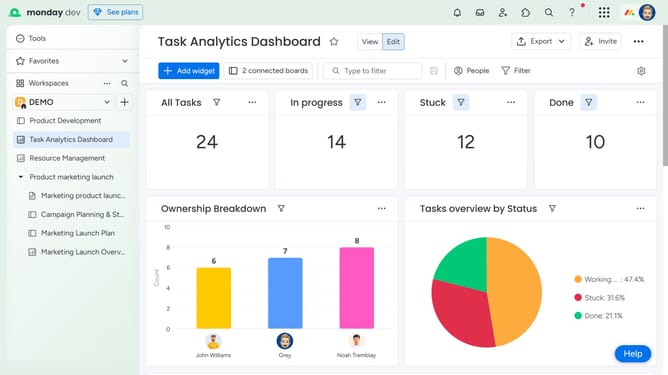
- First navigate to the dashboard and locate the widget you want to share
- Next click on the "More options" button (three dots) in the top-right of the widget
- Then click on the "Export" option from the dropdown menu
- Finally, select your preferred format from the available options
- The file will download to your device. You can then share it with team members who need to view the widgets’ data
Why should you share a widget from a dashboard in Monday.com
Monday.com is a dynamic work operating system designed to streamline team collaboration and project management.
Sharing a widget from a dashboard in Monday.com allows for seamless communication and data transparency among team members.
This feature enhances productivity by enabling stakeholders to access real-time insights and updates, fostering informed decision-making.
By sharing widgets, teams can maintain alignment, ensuring everyone stays on track and fully engaged with project goals.
Last update