How to add a Docs column to a board in Monday.com
Here is how to add a docs column to a board in monday.com
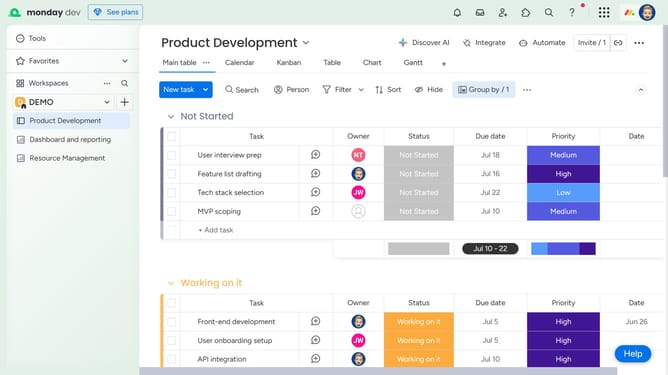
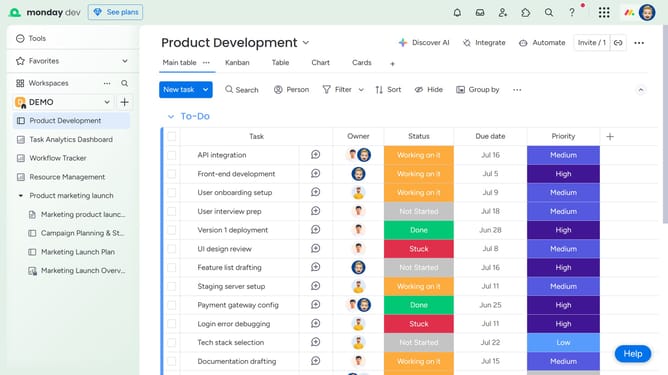
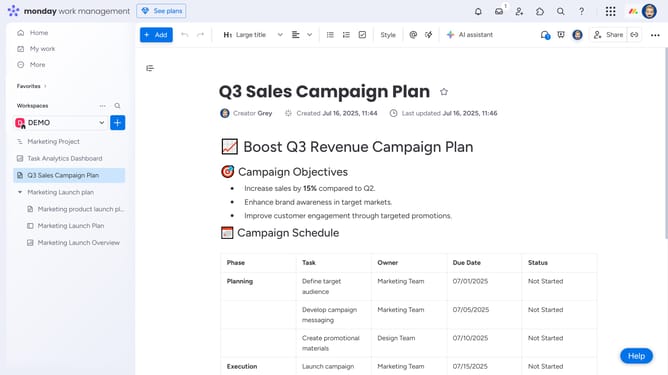
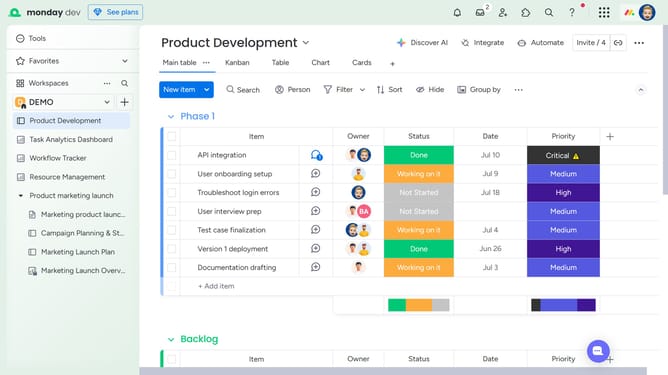
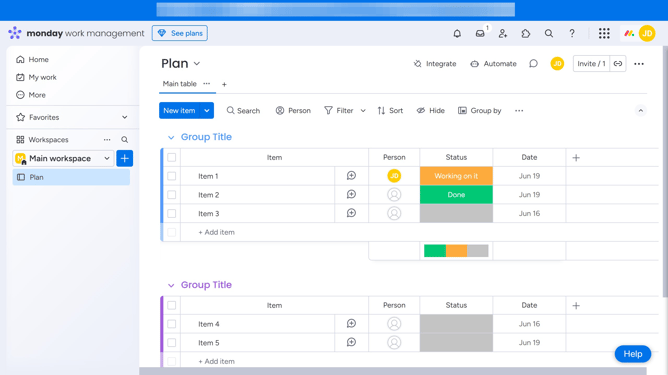
- First, open the board that you want to add the Docs column to
- Next click on the "+" button in the top-right corner of the column
- Then in the column center, search for "Doc" or select it from the list
- Finally select "monday Doc" option from the column types dropdown menu
- The Docs column has been added successfully, you can now start creating or attaching Workdocs directly to each item
Why should you add a Docs column to a board in Monday.com
Monday.com is a versatile work operating system that centralizes planning and collaboration.
Adding a Docs column to a board in Monday.com enhances team communication by seamlessly integrating document management. This feature allows users to attach and access documents directly from their workflow, ensuring that all relevant information is available at a glance.
With this integration, teams can streamline collaboration, keeping every team member on the same page with easy document sharing. Ultimately, it enhances productivity by reducing time spent searching for essential files.
Last update