How to manage your notification preferences in Monday.com
Here is how to manage your notification preferences in monday.com
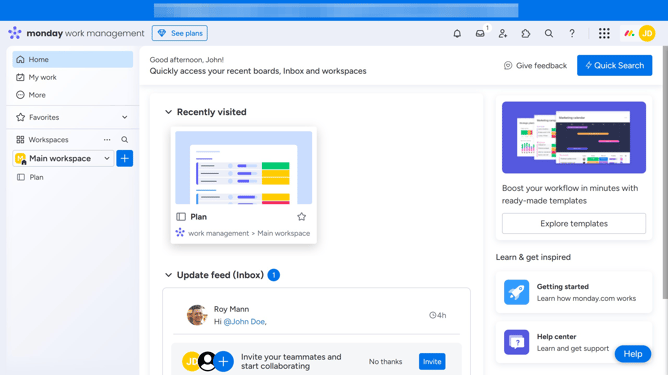
- First click on the profile picture in the top-right corner of the header
- Next click on the "My profile" option in the dropdown menu
- Click the "Notifications" tab from the left sidebar of the Profile modal
- Then, on the Notifications settings page, you’ll see options for "Email" and "Bell" notifications
- Finally enable or disable each option to manage which types of email notifications you receive
Why should you manage your notification preferences in Monday.com
Monday.com is a versatile team management platform that enhances collaboration and productivity.
Managing your notification preferences in Monday.com allows you to stay focused on what truly matters. By customizing these settings, you can choose which updates you want to receive and how often.
This feature reduces the noise from unnecessary alerts, ensuring that you only get updates pertinent to your projects. Optimal notification management helps streamline your workflow, fosters better communication, and improves time management.
Last update