How to convert a subitem to an item in Monday.com
Here is how to convert a subitem to an item in monday.com
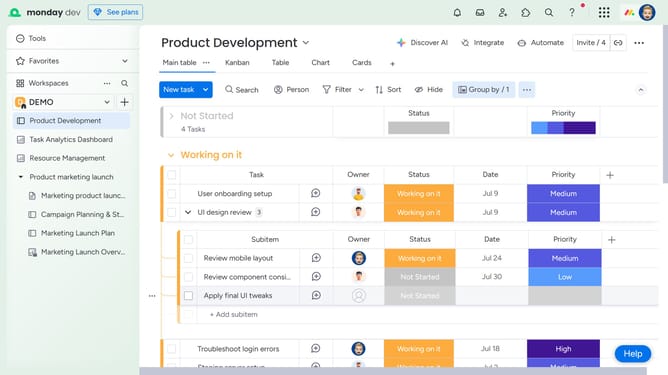
- First locate the subitem you want to convert
- Next click the checkbox next to the subitem to select it
- Click on "Convert" button in the actions toolbar
- A column mapping dialog appears, map column values to the parent items on your board and choose which duplicate columns to convert
- Then click on "Move items" button to confirm the column mapping
- If some columns don’t match, you can choose to return to the column mapping dialog
- Finally if you still want to proceed, click "Move items anyway" button
Why should you convert a subitem to an item in Monday.com
Monday.com is a versatile work operating system designed to centralize workflows and optimize team collaboration.
The ability to convert a subitem into an item in Monday.com delivers flexibility in task management. By elevating a subitem, you provide it with more visibility and the capacity to be independently tracked and assigned, enhancing organizational clarity.
This feature empowers users to adjust project scopes without losing detailed tasks, supporting seamless workload adjustments and ensuring critical details aren't overlooked.
Last update