How to edit an annotation in Monday.com
Here is how to edit an annotation in monday.com
- First open the board and find the item containing the file
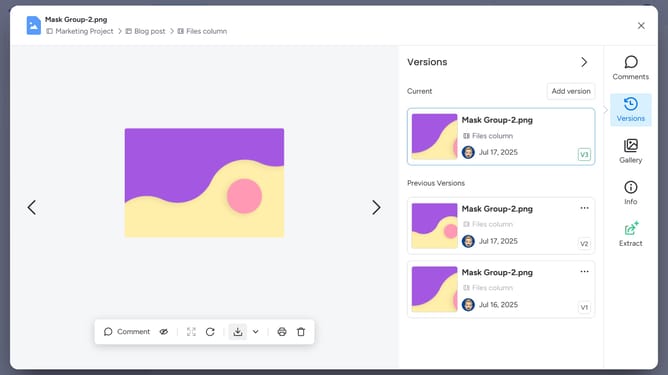
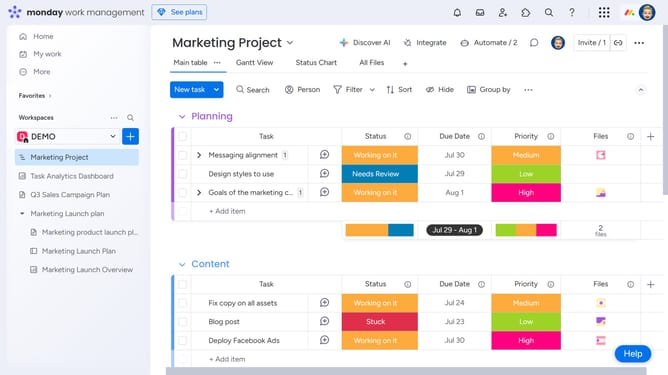
- In the Files column, click the file with the annotation to open it
- Next click the annotation (blue circle) you want to edit to open the comment thread
- Then locate your comment within the thread
- Click the "More" button (three dots) in the comment header
- Next select "Edit comment" from the dropdown menu
- Then start making your changes
- Finally click the "Save" button to save the edited comment
Why should you edit an annotation in Monday.com
Monday.com is a dynamic platform designed to streamline project management and team collaboration.
The ability to edit annotations in Monday.com enhances clarity and precision in communication.
This feature allows users to adjust notes directly on project elements, ensuring that any updates or corrections are seamlessly integrated.
By offering this level of flexibility, team members can maintain up-to-date knowledge, thus promoting smoother workflow and improved project outcomes.
Last update