How to view all files from a board in Monday.com
Here is how to view all files from a board in monday.com
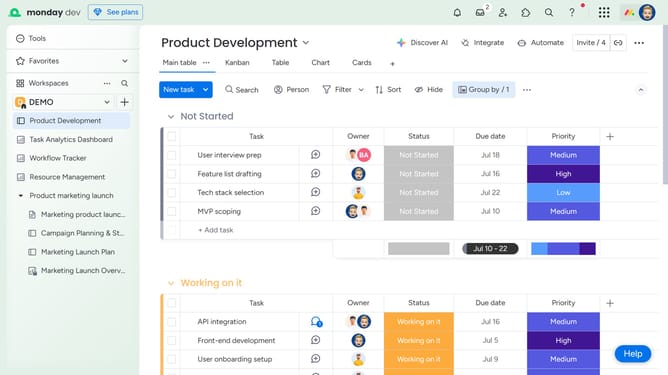
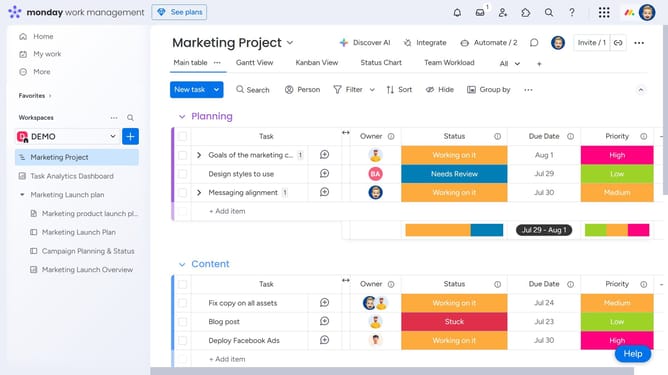
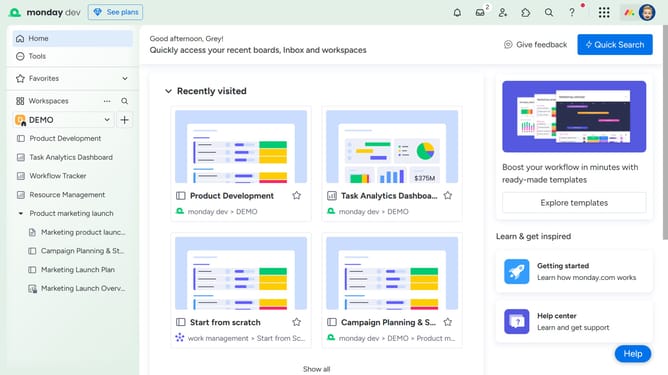
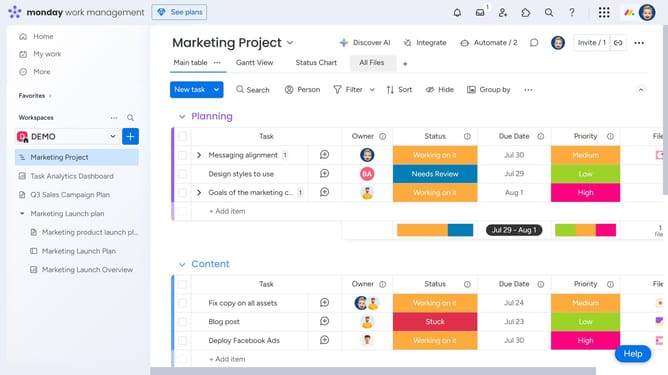
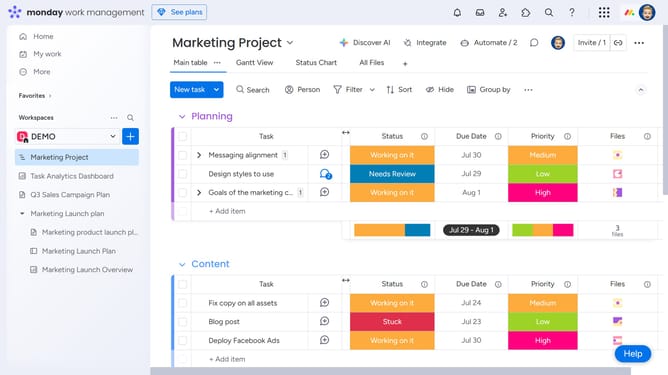
- First navigate to the board where you want to view all files from the left sidebar
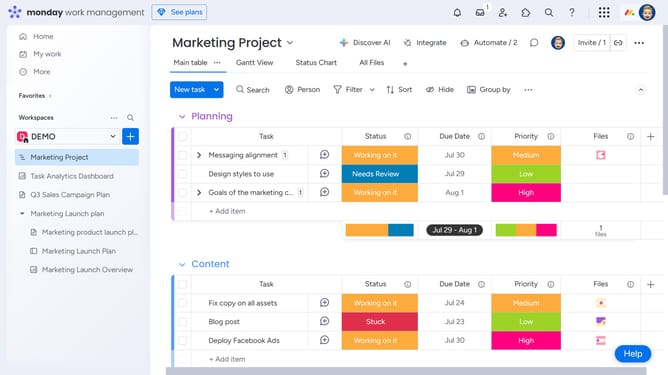
- Next, open the "File Gallery" View. If you don’t see it, click the "+" icon to add it to your board
- Then you will now see all the files uploaded across your board. You can preview, open, or download any file
- If needed, switch between list or grid view to browse them more easily
Why should you view all files from a board in Monday.com
Monday.com is a versatile platform designed to enhance team collaboration and project management.
One powerful feature is its ability to view all files from a board in an organized and accessible manner. This centralization streamlines workflow and ensures that all team members have the necessary resources at their fingertips, enhancing efficiency and cohesion.
Utilizing this feature can save time by minimizing the need to search through multiple emails or messages, allowing teams to focus on what really matters—completing projects successfully.
Last update