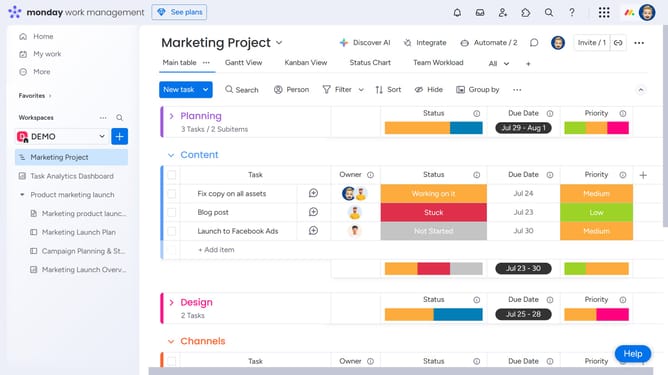
How to upload a file in the Status box in Monday.com
Here is how to upload a file in the status box in monday.com
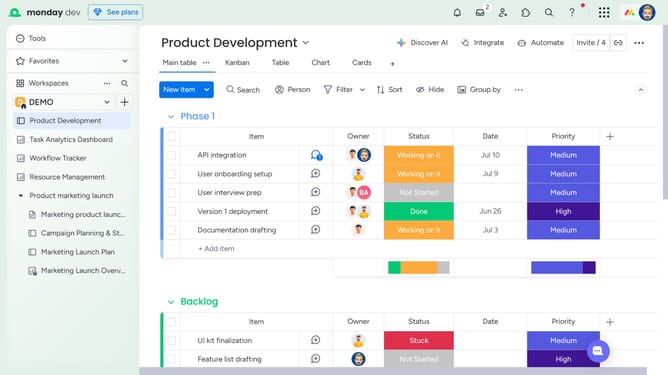
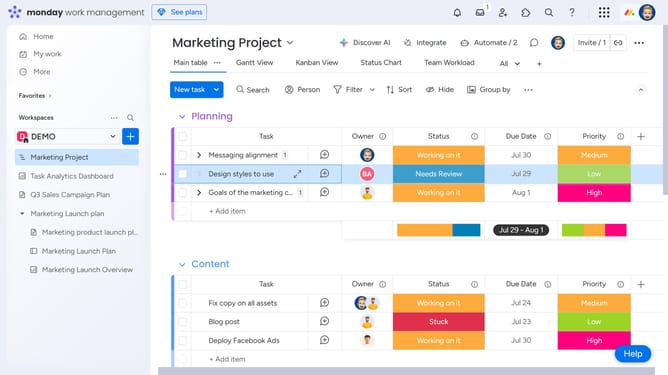
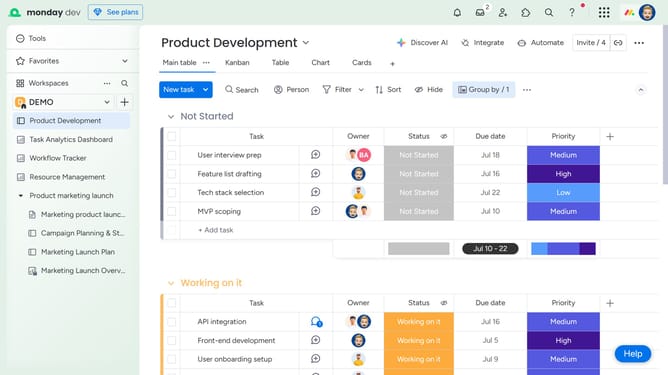
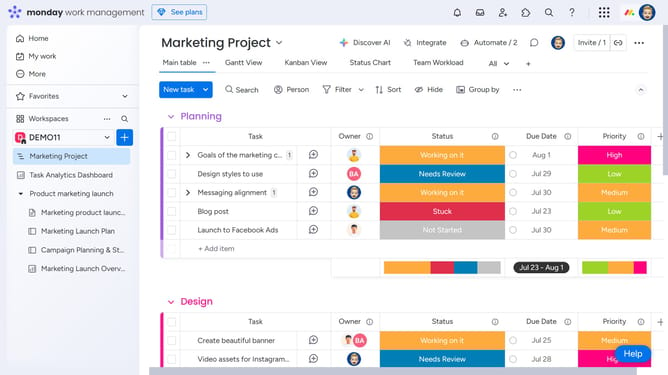
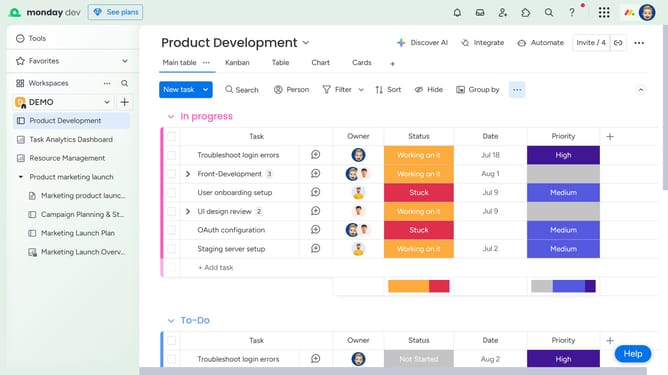
- First locate the item where you want to upload the file on the board
- Next click the "+" sign in the upper right corner of the Status label for that item
- Then click on the "Attachment" icon in the update dialog box to access file upload options
- Finally, select the file you would like to upload from your computer, Google Drive, Dropbox, Box, OneDrive or SharePoint
- Once uploaded, the file will be attached to that Status update
Why should you upload a file in the Status box in Monday.com
Monday.com is a versatile work operating system designed to streamline team collaboration and project management.
Uploading a file in the Status box on Monday.com enhances communication by providing quick reference materials directly within task updates.
This feature enables teams to attach relevant documents, ensuring everyone has access to the same information, reducing misunderstandings.
Ultimately, it fosters a more organized workflow and accelerates decision-making processes by centralizing essential data.
Last update