How to edit an item on a board in Monday.com
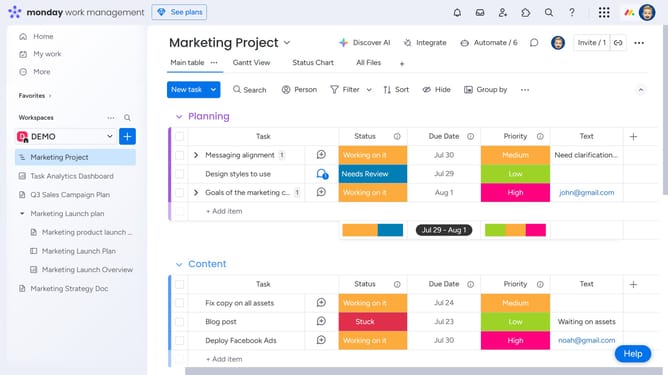
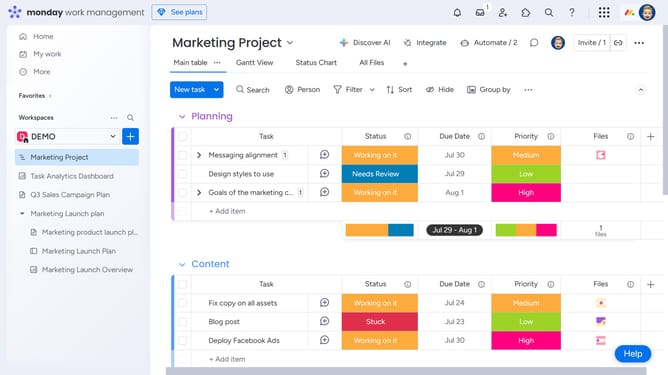
Here is how to edit an item on a board in monday.com
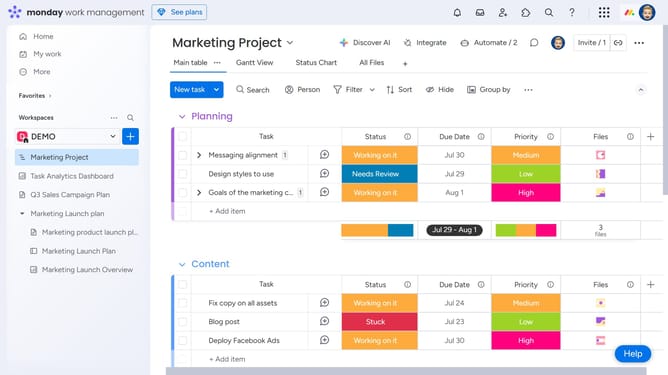
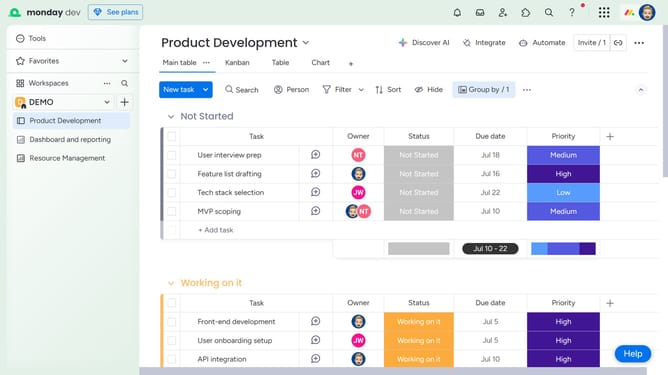
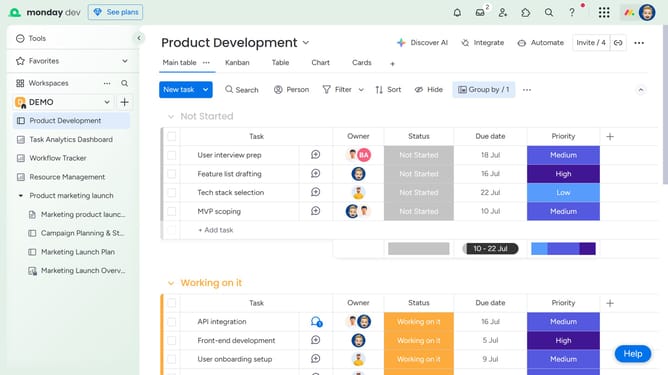
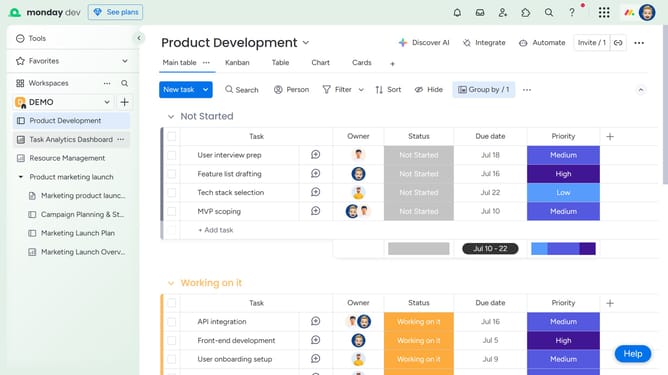
- First find the item you want to edit on the board
- To rename the item, click directly on its name
- Then press "Enter" or click outside to save the change
- Finally to edit additional columns, click on the corresponding cell and make your changes
- Your changes will be saved automatically once you click outside the cell or press Enter
Why should you edit an item on a board in Monday.com
Monday.com revolutionizes team collaboration and project management with its intuitive work OS platform.
Editing an item on a board in Monday.com is seamless and empowers users to maintain dynamic project overviews.
This feature allows for quick updates, ensuring everyone stays informed in real-time without any disruptions.
Using this feature enhances productivity, as it facilitates efficient tracking and adaptation to project changes, fostering an environment of transparency and communication.
Last update