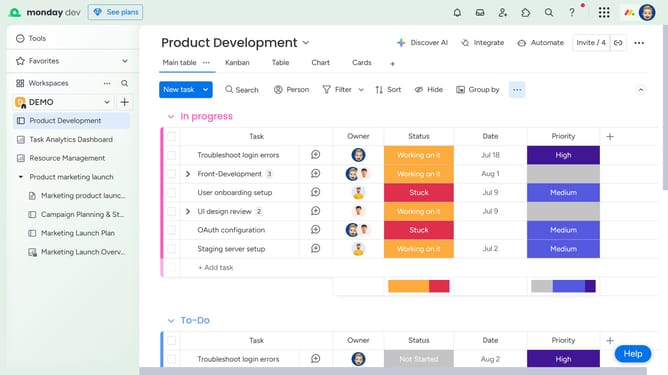
How to manage your email notifications in Monday.com
Here is how to manage your email notifications in monday.com
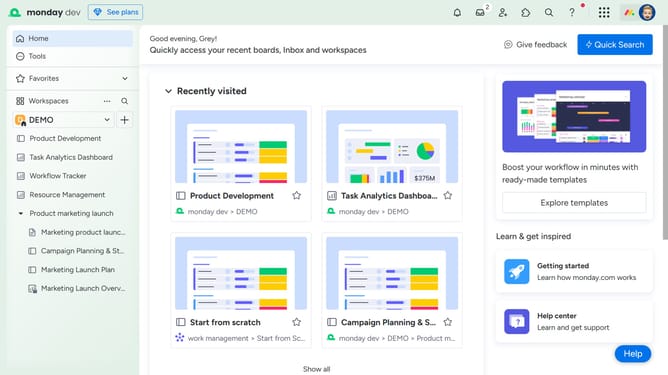
- First click on the profile picture in the top-right corner of the header
- Next click on the "My profile" option in the dropdown menu
- Click the "Notifications" tab from the left sidebar menu
- In the Notification settings page, locate the Email notifications column
- Then you can toggle the switches to enable or disable the types of email notifications you want to receive
Why should you manage your email notifications in Monday.com
Monday.com is a versatile project management tool designed to streamline team collaboration and enhance productivity.
One standout feature is the ability to manage your email notifications seamlessly. This feature allows you to customize how and when you receive updates, ensuring you are always informed but never overwhelmed by unnecessary alerts.
By tailoring your notification preferences, you can focus on what truly matters, stay organized, and boost overall efficiency in managing team workflows. It empowers you to maintain control and stay connected in a way that suits your unique work style.
Last update