How to create an annotation in Monday.com
Here is how to create an annotation in monday.com
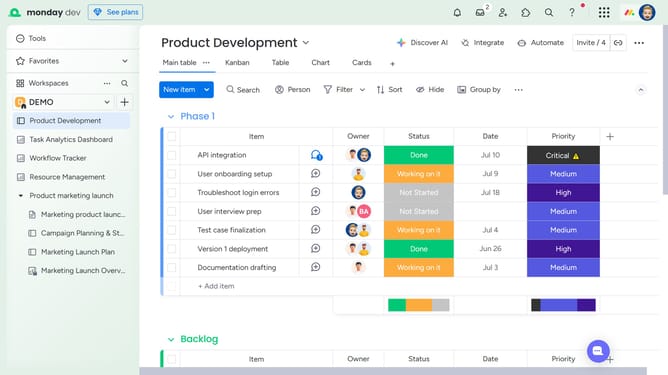
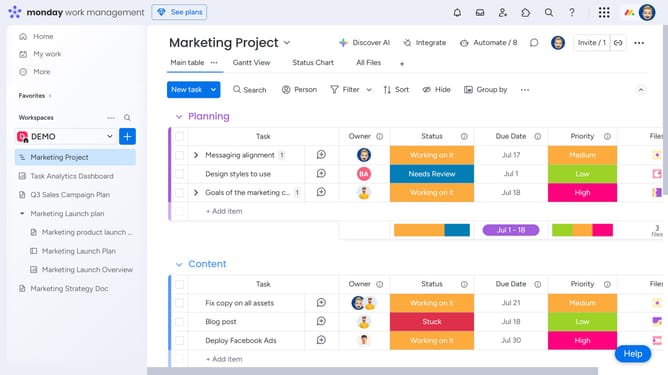
- First, locate the item on your board that contains the file you want to annotate
- Next in the Files column, click the file to open it
- Then add an annotation by clicking on the "Comment" button in the bottom toolbar
- Click anywhere on the file where you want to leave a comment
- Then click in the comment text input field and start typing your comment
- Finally click on the "Update" button to save the annotation
Why should you create an annotation in Monday.com
Monday.com is a versatile work operating system designed to streamline team collaboration and project management.
Creating annotations in Monday.com elevates communication by allowing seamless inline comments directly on tasks and projects.
This feature enhances clarity, as team members can quickly pinpoint areas for discussion or improvement.
With annotations, feedback becomes structured and easily accessible, fostering more productive interactions and efficient workflow management.
Last update