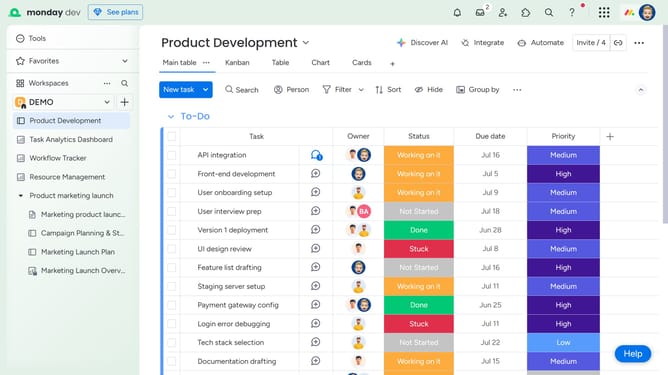
How to edit a comment in a Workdoc in Monday.com
Here is how to edit a comment in a workdoc in monday.com
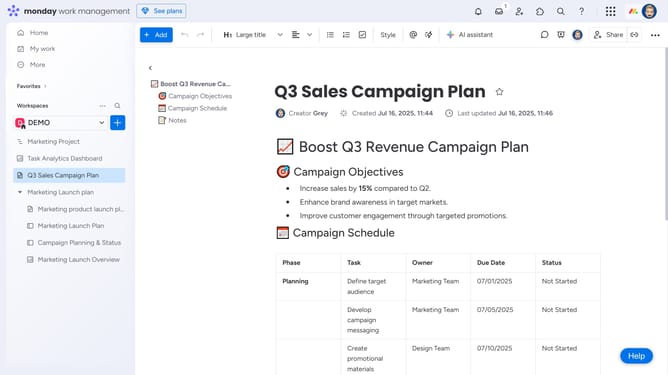
- First open the Workdoc containing the comment from the left sidebar
- Next click the "Comments" icon in the top toolbar of the document
- In the comments panel, find the comment you want to edit
- Then click on the "more options" menu (three dots) next to it
- Next click on "Edit comment" option in the dropdown menu
- Then make your changes in the comment box
- You can use the text formatting toolbar to style your text as needed
- Finally click on the "Save" button to update the comment
Why should you edit a comment in a Workdoc in Monday.com
Monday.com is a versatile work management platform that streamlines project collaboration and enhances team productivity.
The ability to edit a comment in a Workdoc empowers users to ensure their communications are always current and accurate. This feature allows for seamless updates, reducing misunderstandings and miscommunication within the team.
Making necessary changes to comments fosters a dynamic and adaptable workflow. It supports a continuous improvement culture, allowing team members to provide timely and relevant feedback, thereby enhancing project outcomes.
Last update