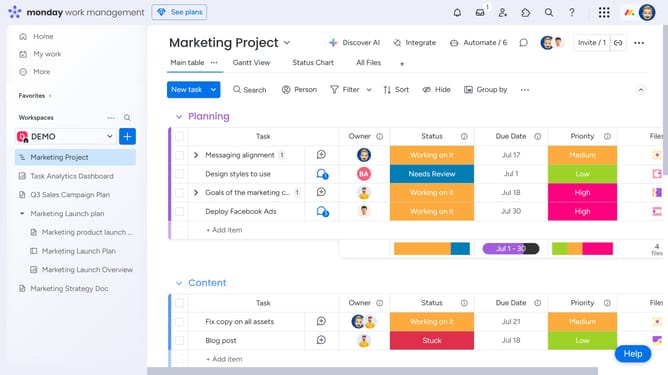
How to rename a Workdoc in Monday.com
Here is how to rename a workdoc in monday.com
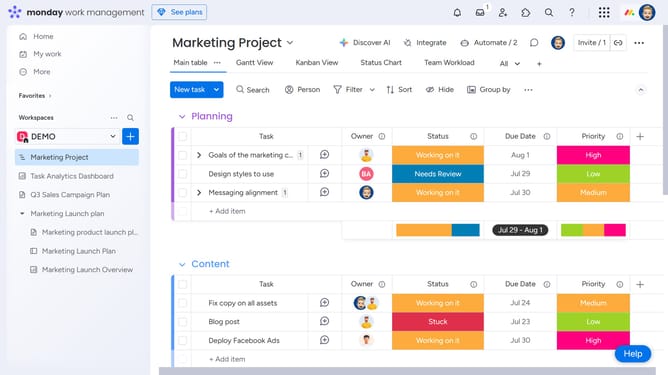
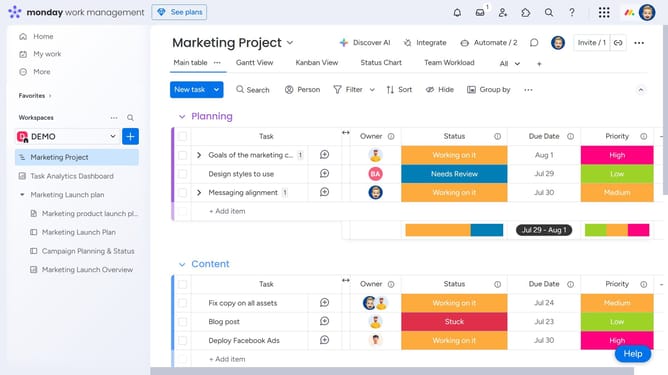
- First open the Workdoc you want to rename from the left sidebar
- Next at the top of the Workdoc, click the current title to edit it
- Then type the new name and press "Enter" or click outside the title area to save the new name
- The Workdoc has been successfully renamed
Why should you rename a Workdoc in Monday.com
Monday.com is a versatile project management platform designed to streamline workflows and enhance collaboration.
Renaming a Workdoc in Monday.com is a straightforward feature that enhances organization within your digital workspace. By allowing users to rename Workdocs, it ensures clarity and consistency in document management, making it easier to locate and reference essential files.
This capability is crucial for maintaining a cohesive structure in dynamic team environments, ultimately leading to improved productivity and more efficient project tracking.
Last update