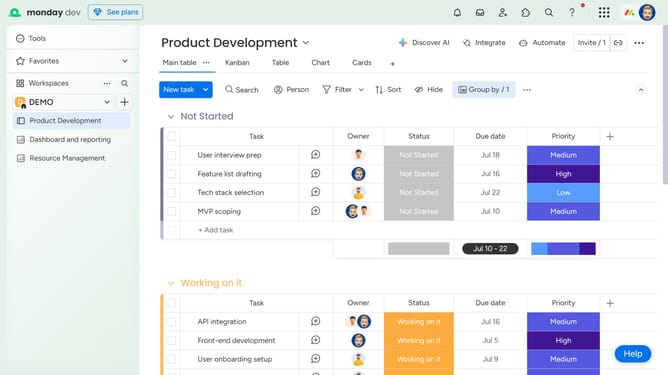
How to create a Workdoc in Monday.com
Here is how to create a workdoc in monday.com
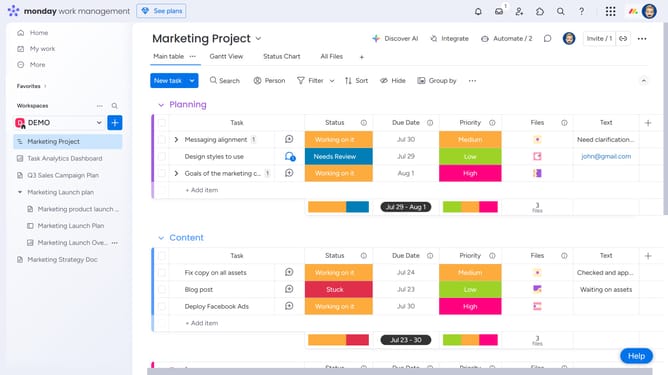
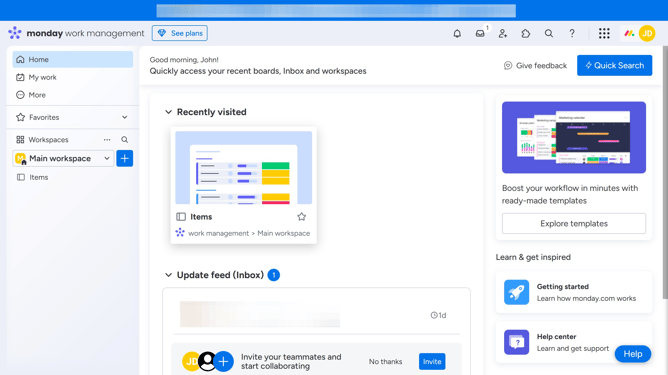
- First click on the "+" button in the left sidebar next to your Workspace name
- Next click on "Doc" option in the dropdown menu
- In the submenu, choose whether to create a "New Doc" from scratch or start with template
- Then enter the name of your Doc in the name field
- Next choose the permission type to assign to the doc
- Finally click on "Create Doc" button to create the new document
- Once the doc is created, you can begin writing and customize it to fit your needs
Why should you create a Workdoc in Monday.com
Monday.com is a versatile work operating system designed to enhance team productivity through streamlined project management.
The Workdoc feature in Monday.com offers a dynamic way to collaborate in real time. It eliminates the need for scattered files and fosters centralized document management, making team alignments seamless.
By using Workdocs, you benefit from the integrated flexibility to enrich documents with charts, tables, and live updates, promoting clarity and boosting workflow efficiency.
Last update