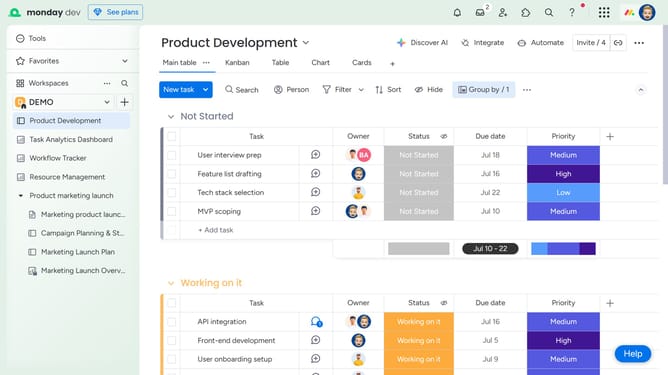
How to reply to an update thread in Monday.com
Here is how to reply to an update thread in monday.com
- First, locate the item that contains the update you want to reply to
- Next click on the item’s name to open its detailed view
- In the Updates section, find the update you want to respond to
- Then click on the "Reply" button under the update
- Type your response in the reply field
- Finally, click "Reply" to post your message within the thread
Why should you reply to an update thread in Monday.com
Monday.com is a versatile work operating system designed to streamline team management and collaboration.
Replying to an update thread in Monday.com enhances communication by keeping all stakeholders aligned with ongoing projects. This feature allows team members to maintain context by consolidating discussions in one place, making it easier to track progress and decisions.
Using update threads ensures open communication, fostering a more collaborative environment and effective project management. This leads to increased productivity and satisfaction within the team.
Last update