How to add a new card in the Cards View in Monday.com
Here is how to add a new card in the cards view in monday.com
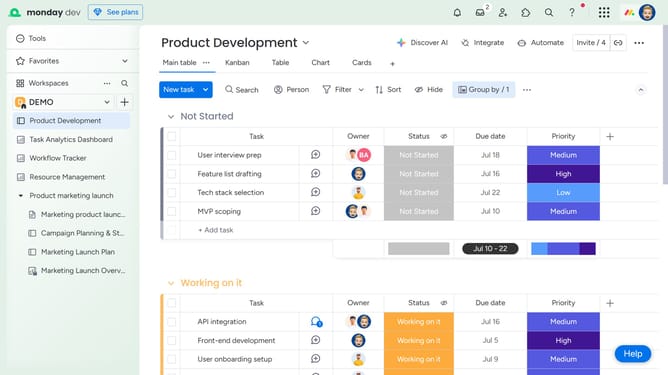
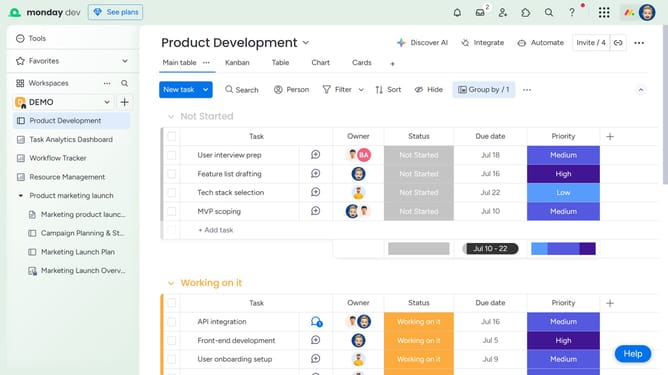
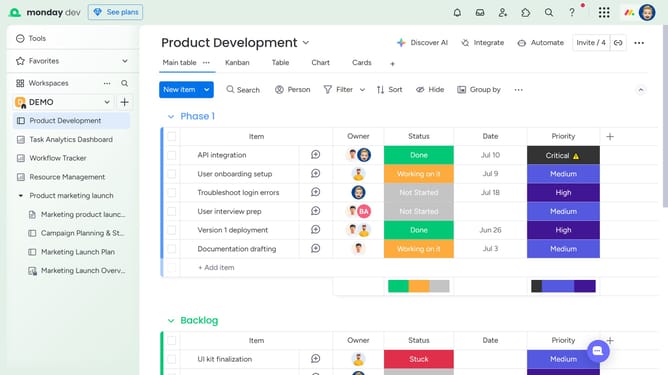
- First click on the "Cards" view option at the top of the board to open it
- Next click on the "New task" button in the toolbar
- At the top of the modal, enter the card's name in the task name field
- Then fill out all the column details such as owner, status, date and priority
- Finally once you're done, click the "Create Task" button to add the new card
Why should you add a new card in the Cards View in Monday.com
Monday.com is a versatile work operating system designed to streamline team collaboration and project management.
Incorporating a new card in the Cards View on Monday.com is both efficient and seamless, allowing you to focus on what truly matters. This feature simplifies project visualization, transforming tasks into a dynamic, interactive format. It provides the flexibility to prioritize tasks effectively, ensuring nothing important gets left behind.
By leveraging this feature, teams can stay organized and motivated, enhancing productivity while keeping track of each project's progress effortlessly.
Last update