How to add another board owner in Monday.com
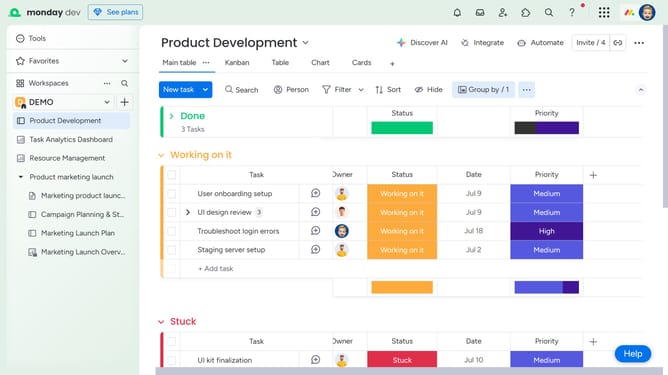
Here is how to add another board owner in monday.com
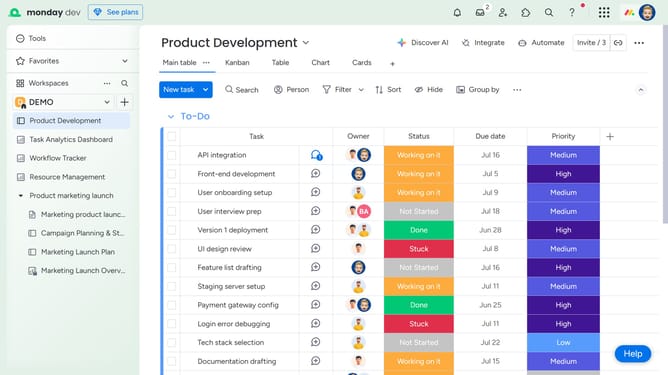
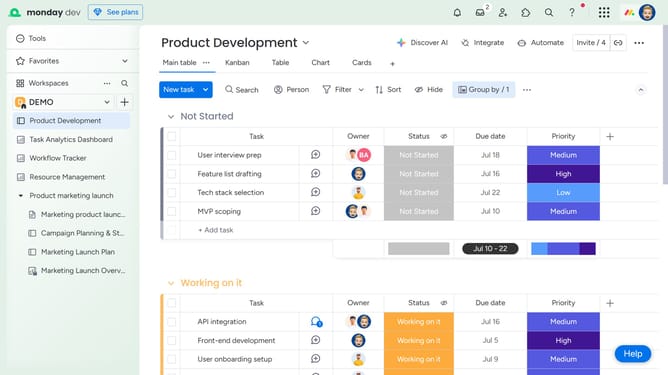
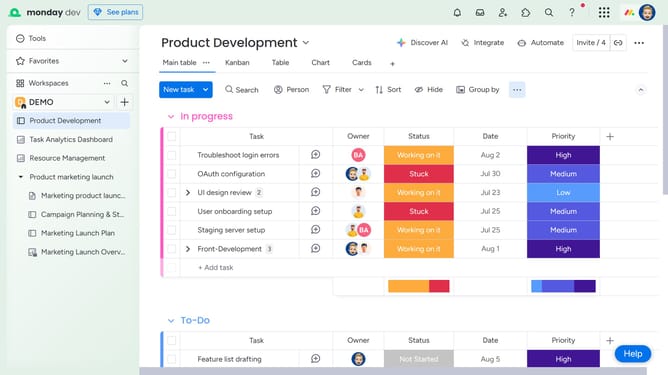
- First open the board where you want to add a new owner from the left sidebar
- Next click on the "Invite" button in the top menu bar
- In the members list, find the member you want to promote to owner
- Finally click on the crown icon next to their name to make them an owner
Why should you add another board owner in Monday.com
Monday.com is a versatile work operating system designed to streamline team collaboration and project management.
The feature of adding another board owner in Monday.com ensures shared responsibility, enhancing collaboration and leadership within teams.
By enabling multiple board ownership, teams can efficiently distribute tasks, manage workflows, and maintain continuity without any dependency on a single point of administration.
This improves overall productivity and ensures that projects are not hindered by the absence or overload of one individual.
Last update