How to download all your files as a ZIP file from a board in Monday.com
Here is how to download all your files as a zip file from a board in monday.com
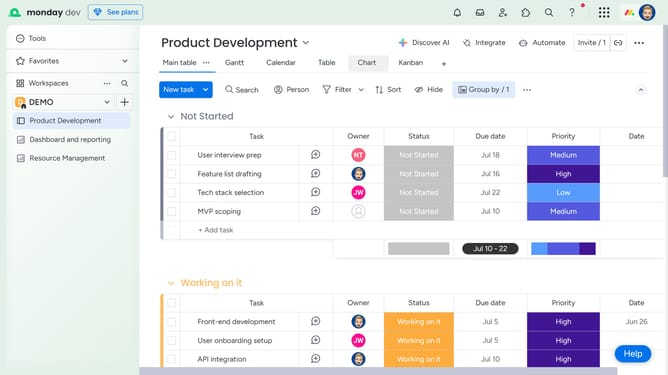
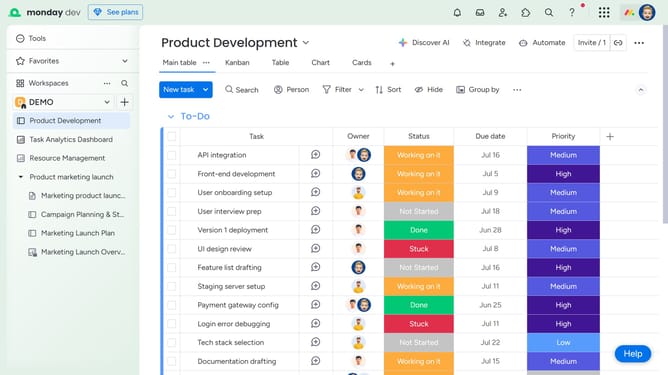
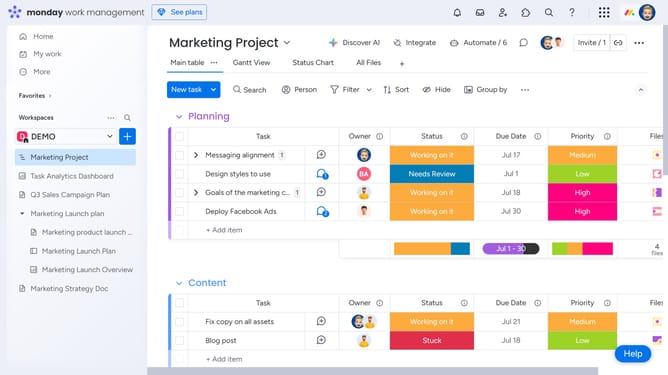
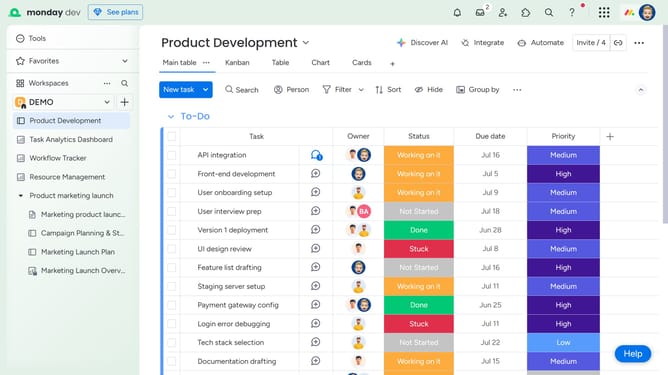
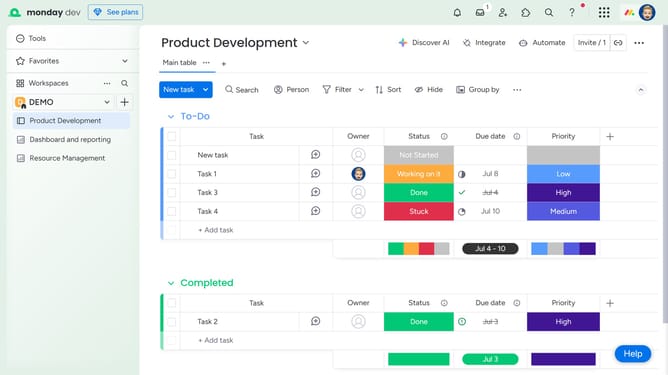
- First open the board containing the files you want to download from the left sidebar
- Next click on the "Files gallery" view in the top navigation menu
- Then click on the "Download" button in the top-right corner of the Files Gallery view
- Finally a ZIP file containing all the uploaded files from that board will begin downloading to your computer
Why should you download all your files as a ZIP file from a board in Monday.com
Monday.com is a versatile work operating system designed to enhance team collaboration and streamline projects.
One standout feature lets you download all your files from a board as a ZIP file. This ability simplifies data management by consolidating files into a single, easily transferable package.
Imagine the ease of sharing vast amounts of information across teams or storing important project data efficiently. This feature ensures you have quick access to all your crucial files, enhancing productivity and collaboration.
Last update