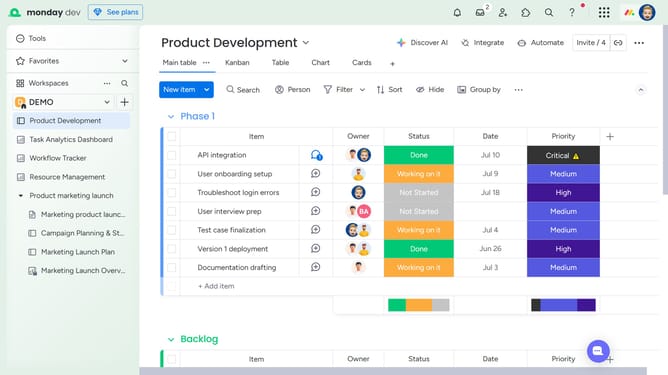
How to access the trash section in Monday.com
Here is how to access the trash section in monday.com
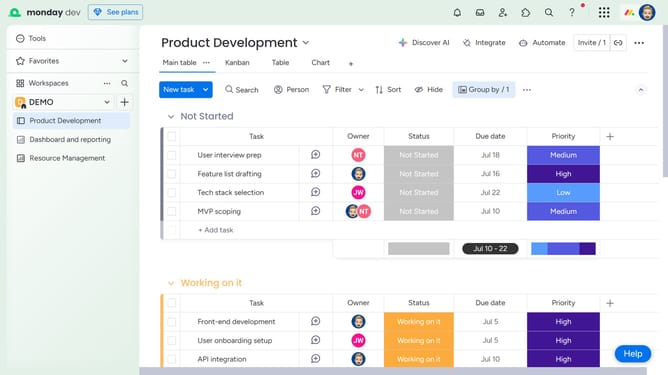
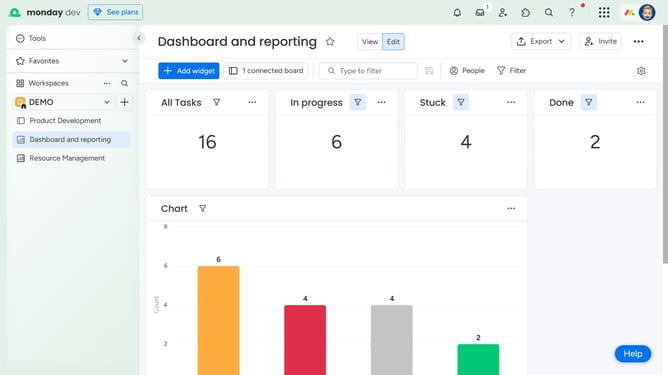
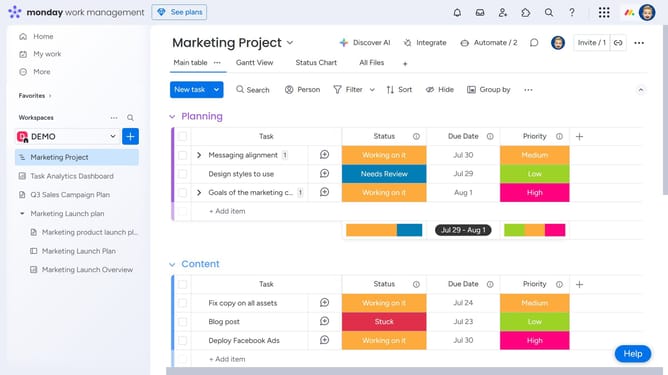
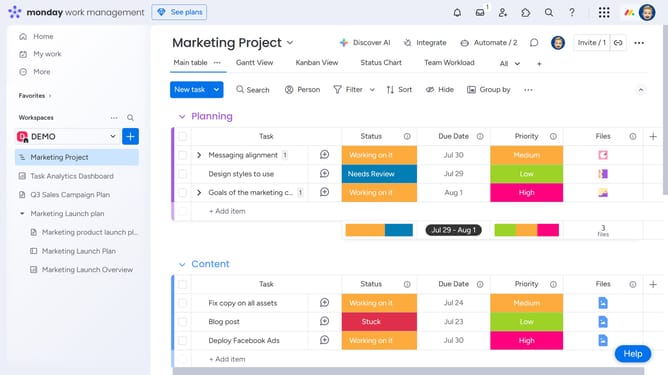
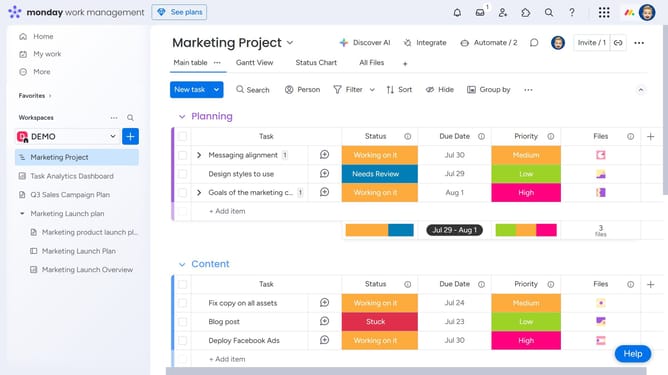
- First click on the profile avatar in the top-right corner of the header
- Then click on the "Trash" option in the user dropdown menu
- Finally the trash section will open in a new panel, showing all deleted items, including dashboards, boards, and more
Why should you access the trash section in Monday.com
Monday.com is a versatile work operating system that streamlines team collaboration and project management.
An integral feature of Monday.com is the trash section, which acts as a safety net for mistakenly deleted items.
Easily accessing this feature ensures that accidental data loss is avoided, offering peace of mind and preserving important information.
The ability to retrieve deleted items swiftly enhances workflow efficiency, allowing teams to focus on productivity without worrying about data recovery.
Last update