How to view all files in an item in Monday.com
Here is how to view all files in an item in monday.com
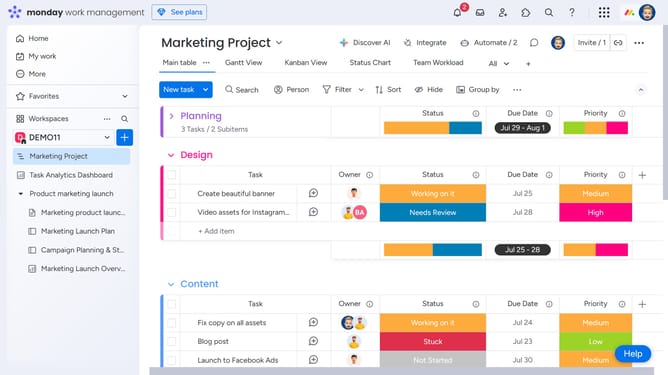
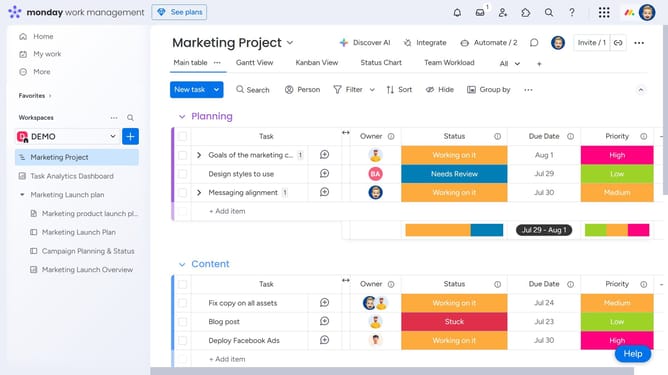
- First, locate the item you want to view files for
- Next, click on the item name to open its Item Card
- Then click on the "Files" tab in the details panel
- Finally you'll see a gallery of all files uploaded to that specific item (including from Updates, the Files Column, etc.)
Why should you view all files in an item in Monday.com
Monday.com is a versatile work operating system designed to enhance team collaboration and efficiency.
One valuable feature is the ability to view all files in an item, providing a centralized location for important documents.
By having easy access to all related files, team members can seamlessly share information and avoid time-consuming searches.
This feature ensures that everyone stays informed and aligned, promoting a more organized and productive workflow.
Last update