How to pin a view in Monday.com
Here is how to pin a view in monday.com
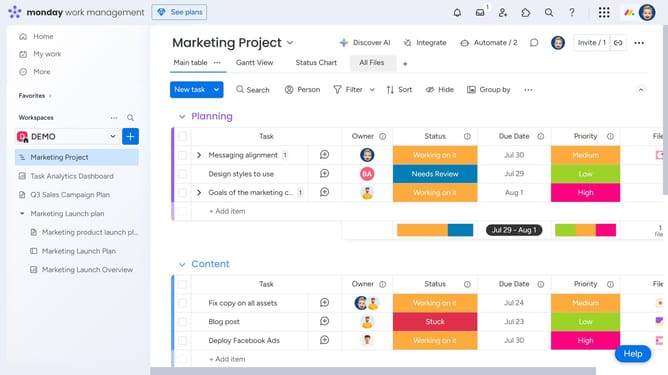
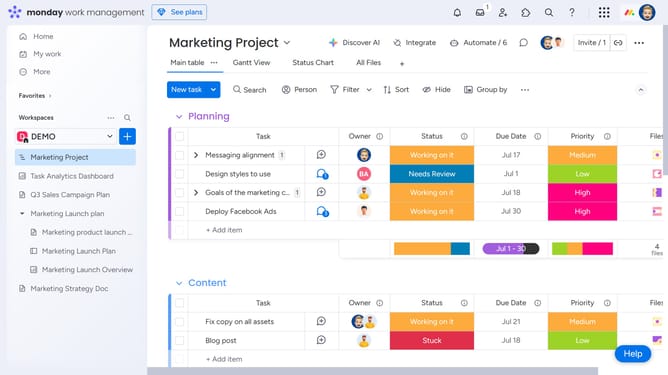
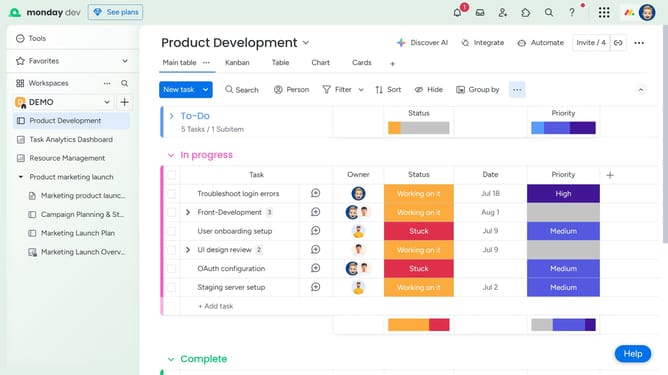
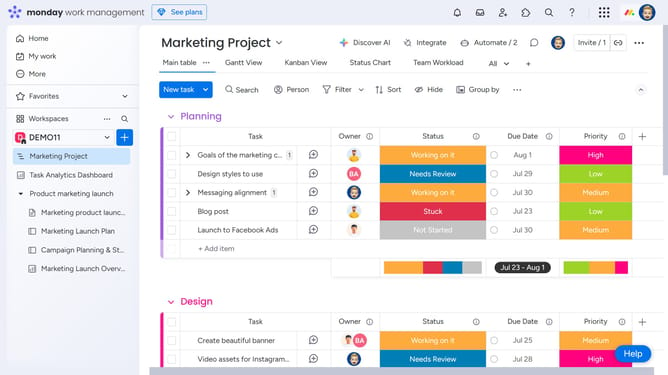
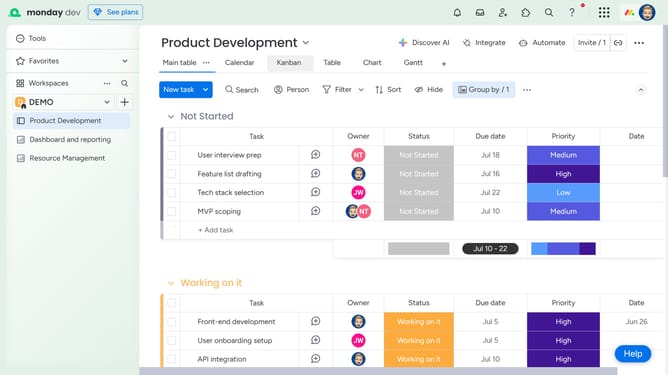
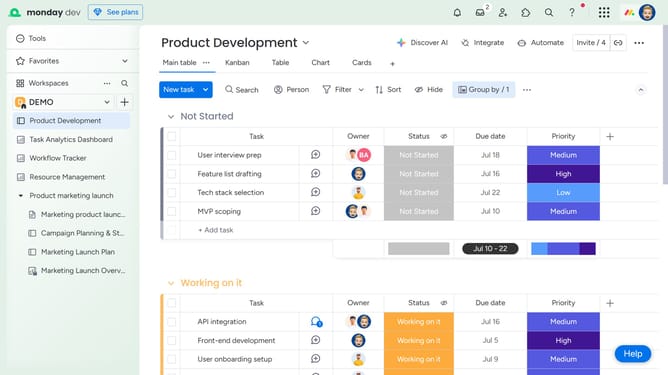
- First, navigate to the board and click on the view tab you want to pin
- Then click the More options menu (three dots) to the right of the view name
- Finally click on the "Pin view" option in the dropdown menu
Why should you pin a view in Monday.com
Monday.com is a versatile work operating system designed to streamline team collaboration and project management.
The "Pin a View" feature is a simple yet powerful tool within Monday.com that allows users to prioritize and access their most frequently used perspectives effortlessly.
By pinning a view, team members can quickly switch to their preferred dashboard, enhancing efficiency and saving valuable time.
This feature is especially beneficial for individuals juggling multiple projects, as it ensures that crucial information is always front and center.
Last update