How to add a column description in Monday.com
Here is how to add a column description in monday.com
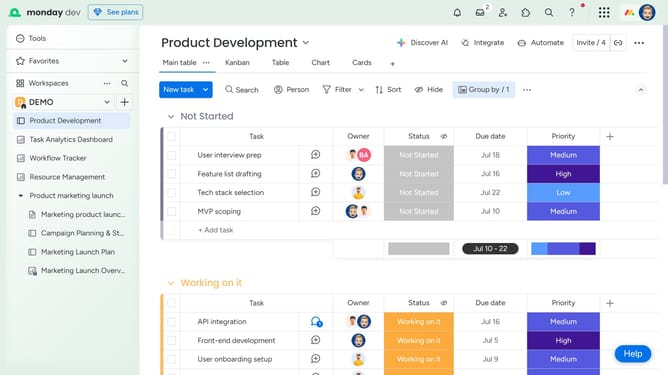
- First locate the column you want to add a description to
- Next click on the three dots menu icon next to the column name
- Click on the "Settings" options in the dropdown menu
- Click on "Add description" option from the submenu
- Then enter the description in the input field that appears
- Finally click the "Save" button to save the column description
Why should you add a column description in Monday.com
Monday.com is a versatile work operating system designed to streamline workflows and enhance team collaboration.
Adding a column description in Monday.com allows you to deliver concise explanations about each column, clarifying its purpose and usage for every team member. This feature is beneficial to ensure that everyone is aligned on what data belongs in each column, enabling consistent data entry and reducing misunderstandings.
By utilizing column descriptions, teams can communicate more effectively, since all users gain instant insight into the data's meaning, enhancing productivity and minimizing errors.
Last update