How to save your sort in Monday.com
Here is how to save your sort in monday.com
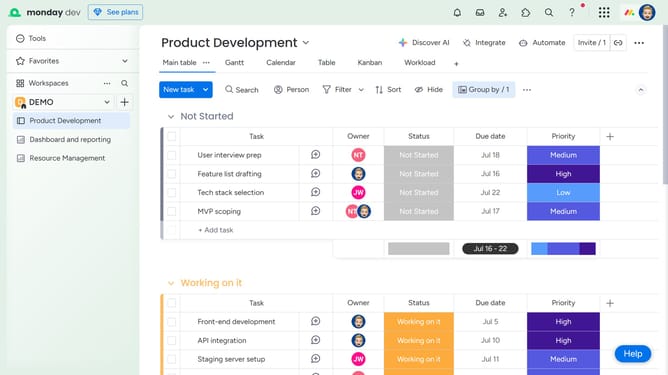
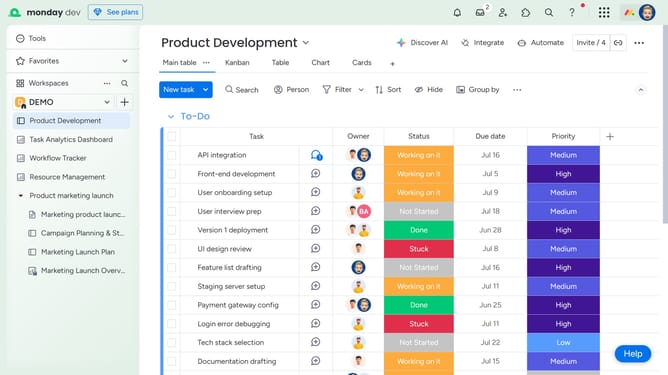
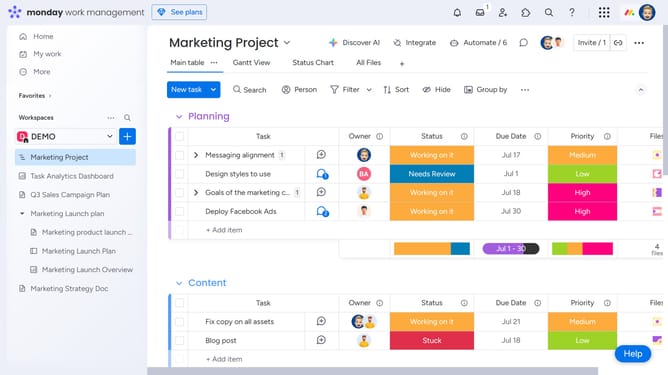
- First, on the board, locate the column you want to use to sort the items
- Hover over the column name and click the arrow icon to toggle between ascending and descending order
- Then the board will rearrange items based on the selected sort order for that column
- Finally click on the "Save" button to the left of the sort button to save the changes
Why should you save your sort in Monday.com
Monday.com is a dynamic platform designed to streamline team collaboration and project management.
One powerful feature is the ability to save your sort preferences, ensuring you have immediate access to your most relevant data views.
By saving your sort, you eliminate the hassle of repetitive data organizing, boosting your efficiency with every project.
Keep your workflow smooth and uninterrupted as this feature seamlessly caters to personalized data presentation, helping teams stay focused and productive.
Last update