How to delete an item from a board in Monday.com
Here is how to delete an item from a board in monday.com
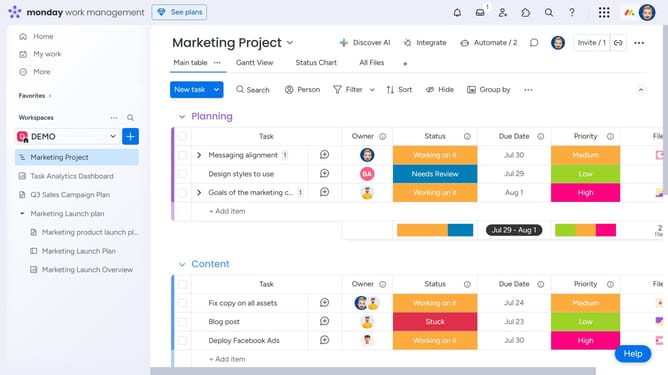
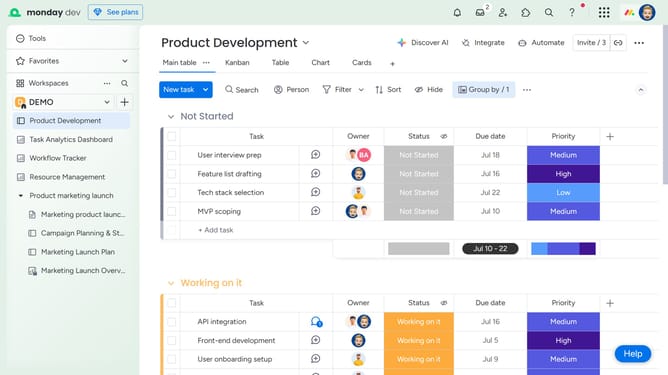
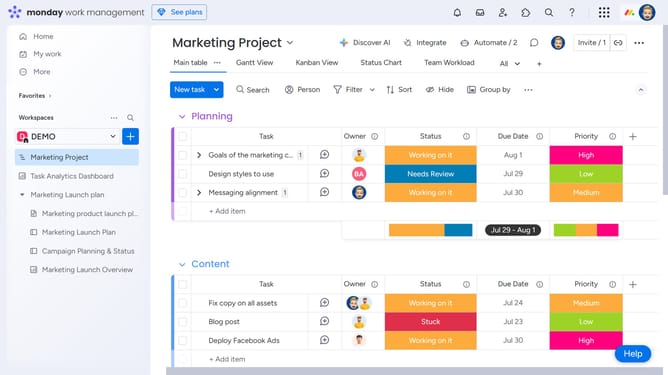
- First, locate the item you want to delete on the board
- Next hover the item and click on the actions menu (three dots) next to it
- Then click on the "Delete" option in the dropdown menu
- Finally click on the "Delete" button in the confirmation dialog popup
Why should you delete an item from a board in Monday.com
Monday.com is an intuitive platform designed to streamline project management and collaboration.
Efficiently managing tasks within your workspace is essential, and knowing how to delete an item from a board in Monday.com is a key feature.
By removing outdated or unnecessary items, you can keep your board organized, ensuring that team members stay focused on current priorities.
This feature aids in maintaining a clutter-free environment, optimizing workflow, and enhancing productivity across your projects.
Last update