How to add a member to an existing board in Monday.com
Here is how to add a member to an existing board in monday.com
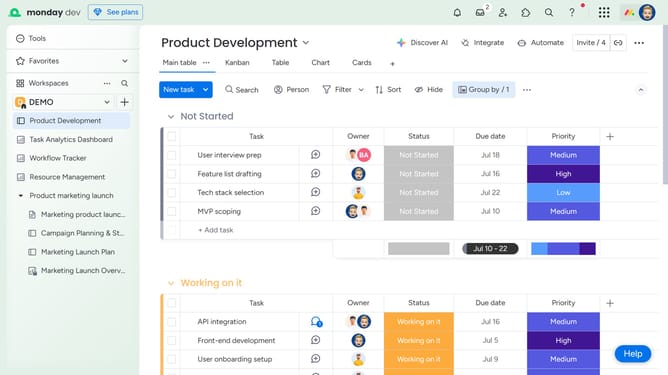
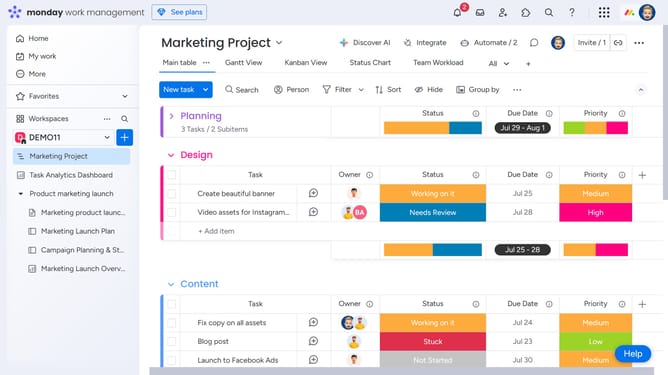
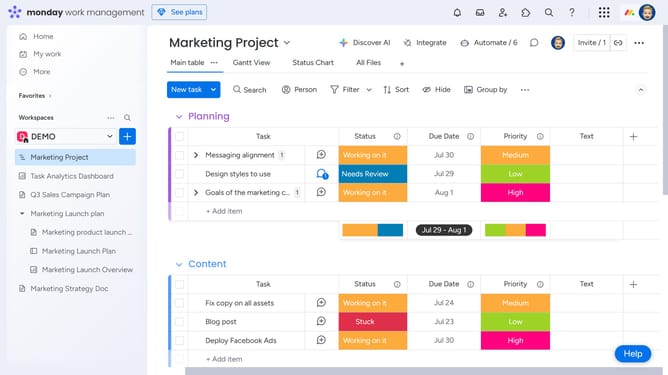
- First open the board you want to add a member to from the left sidebar
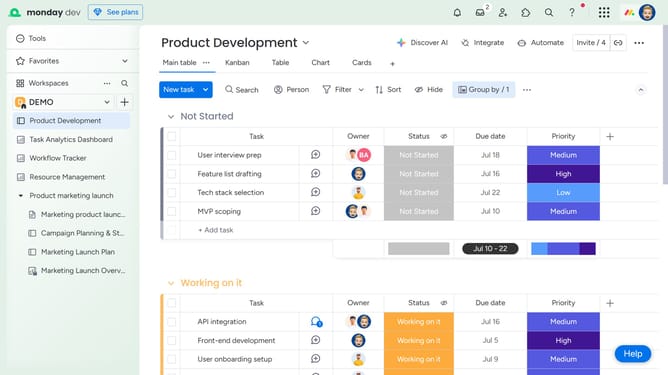
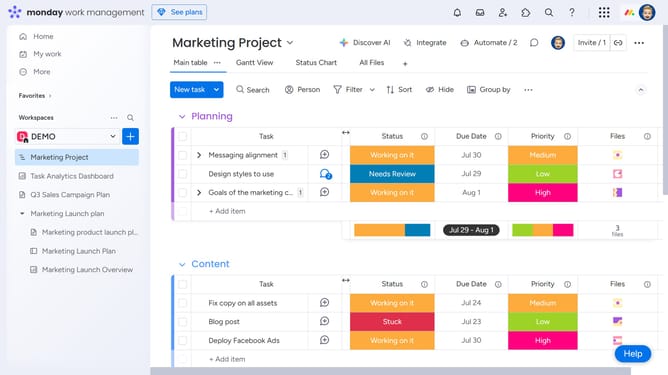
- Next click on "Invite" button in the top menu bar
- Type the name of the person you want to add in the invite field
- Then select the person from the search results
- The person will be added and now appear in the board members list
- Alternatively, enter the email address of the person you want to add
- Then click on the "Invite a new member by email" button
- Finally click on "Invite as a member" button to send the invitation
- The person will receive an email invitation and will be added to the board as soon as they accept it
Why should you add a member to an existing board in Monday.com
Monday.com is a dynamic work operating system designed to help teams manage projects and workflows efficiently.
Adding a member to an existing board in Monday.com empowers teams to collaborate effortlessly. This feature ensures that every team member is seamlessly integrated into ongoing projects, fostering a unified work environment. It grants new members immediate access to the existing board’s data and strategies, making onboarding quick and intuitive.
Utilizing this function means enhanced productivity and clearer communication, as everyone is looped into the project details from the get-go.
Last update