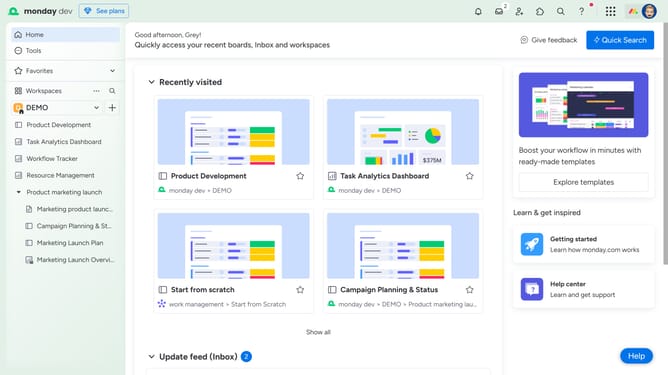
How to change your password in Monday.com
Here is how to change your password in monday.com
- First click on the profile picture in the top-right corner of the header
- Next click on "My profile" option in the dropdown menu
- Then click on "Password" item in the left sidebar menu
- Next enter your current password in the "Current password" field
- Then enter your new password twice to confirm
- Finally click the "Save" button to update your password
Why should you change your password in Monday.com
Monday.com is a versatile platform designed to enhance team collaboration and project management.
Changing your password in Monday.com is a straightforward feature that enhances your account's security and privacy. Having the ability to easily update your credentials helps safeguard sensitive information and ensures that only authorized users access your workspaces.
Regularly updating your password is a proactive step in maintaining data integrity, reducing the risk of unauthorized access, and keeping your projects secure.
Last update